“Practice doesn’t make perfect. Perfect practice makes perfect.”
The Challenge
Traditional training aids fall short…they’re either too simple, offering no real variability or challenge, or are too complex, overwhelming instructors and trainees with unrealistic and unpredictable responses. Real training demands precision, feedback, and measurable accountability.
The Solution
“The Box” v.2™ (Patent Pending) transforms invisible training mistakes into visible, measurable events, providing immediate feedback supported by defensible data.
“The Box” v.2™ is a portable, venue-ready training system that turns hand-entry and manual techniques into measurable, repeatable training events. Rather than relying solely on an instructor’s observation, “The Box” v.2™ uses a sophisticated layered sensor suite to detect the kinds of signatures and mistakes that matter during real-world operations. Every system-detected action and outcome is logged with precise timing and fault identification parameters. Real behavior, real consequences, real data, all without adding complexity to the instructor’s workflow.
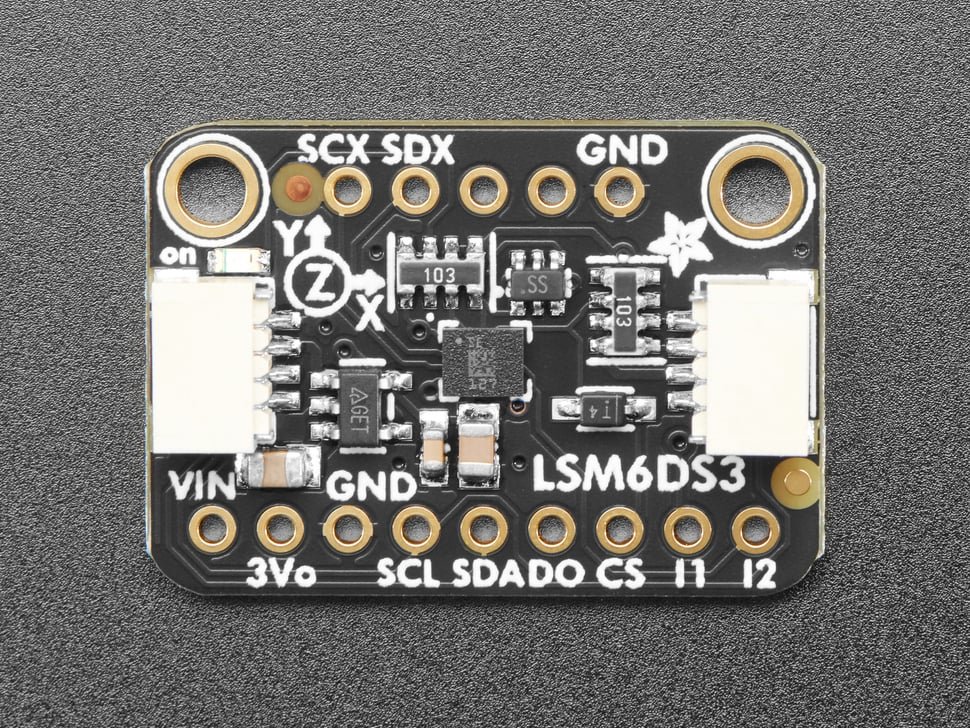
“The Box”™ can be designed to be as simple or complex as required for your specific training evolution, experience level, or mission. The 12-inch cube version in Figure 1. has an aluminum frame and fixtures, with clear acrylic panels affixed to the exterior to aid in reconnaissance and identification during familiarization training, and basic hand-entry skill-building exercises. It is equipped with four sensor modules, including an AM312 PIR sensor, RCWL-0516 microwave Doppler radar sensor, a TSL2591 high dynamic range (HDR) digital light sensor, and an MPU-6050 6-DoF accelerometer. Sensor violations are identified using a NeoPixel LED Ring with specific colors set to identify each sensor violation type, and events captured on a built-in SD card.
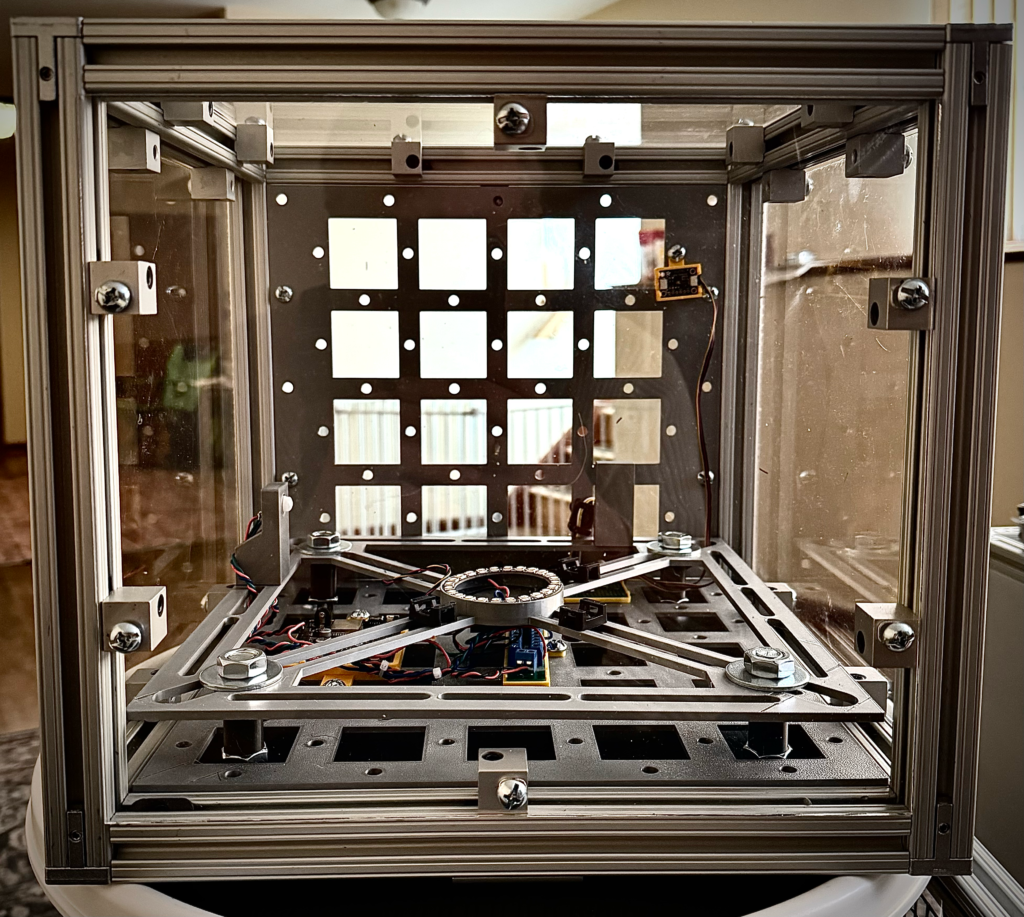
“The Box” v.2™ doesn’t just train hands. It trains judgment.
Proven Origin and Architecture
“The Box” v.2™ is patterned after the Harvey’s Casino extortion device, Stateline, Nevada, 1980, which is still considered the most sophisticated improvised explosive device ever encountered on US soil, possibly globally. During device analysis, and access and disablement planning, the device was referred to simply as “The Box” by the bomb technicians, FBI agents, and scientists involved in the operation.
“The Box” v.2™ uses modern sensor-based modules and microcontroller-enabled boards to simulate this complexity while adding sophisticated control structures that push manual techniques and hand-entry training to new heights.
Plug-and-Play by Design, Not A Shortcut
“The Box” v.2™ is intentionally plug-and-play, not to simplify training, but to remove friction that distracts from training. Every structural element, barrier material, and sensor interface is designed around known interfaces, fixed mounting points, and repeatable connections.
There’s no dependency on a specific instructor knowing “the trick” to setting it up or getting it to work. You select the sensors and add the barrier materials you want. You power it. You train.
Fast Setup Preserves Cognitive Bandwidth
In real training environments, time pressure is constant. When setup becomes complex, instructors compensate by cutting scenario depth, reusing the same layouts, or avoiding advanced evolutions altogether. “The Box”™ eliminates that tax.
- Panels drop into known locations
- Barriers mount the same way every time
- Sensors self-identify and report status
- The frame enforces alignment automatically
That means instructors spend time designing problems, not building devices or infrastructure. Students arrive to a ready system, not a half-assembled abstraction.
Modular Without Being Fragile
Plug-and-play often implies delicate. “The Box”™ rejects that tradeoff. Connections are mechanical first, electrical second. Barriers carry consequence. The frame carries load. Sensors are isolated from impact zones. You can tear down a scenario, swap barrier materials, reorient the enclosure, and rebuild without degrading the system or resetting baselines. That reliability is what allows rapid iteration.
Consistency Enables Comparison
Because setup is standardized, outcomes become comparable. Two trainees can run the same internal geometry behind different barriers. Two training sessions can image the same configuration weeks apart. Two instructors can build identical scenarios without interpretation drift. If the system always starts from the same known state, then changes in X-ray interpretation, access choice, and execution belong to the trainee, not the equipment.Plug-and-play isn’t just convenience. It’s what makes performance differences meaningful.
Designed for Transport, Storage, and Scaling
“The Box”™ doesn’t assume a permanent lab. It assumes reality.
- Breaks down into manageable components
- Ships without custom crates
- Stores flat or stacked
- Reassembles without specialized tools
That makes it viable for schoolhouses, units, mobile training teams, and partner sites that don’t control their training spaces. Plug-and-play here means deployable, repeatable, and scalable, without watering down fidelity.
The System Gets Out of the Way
At its best, “The Box”™ disappears. Instructors stop thinking about setup. Trainees stop thinking about the enclosure. What remains is the problem: interpreting the image, choosing an access strategy, and living with the consequences of that decision. That’s the point.
The Box doesn’t demand attention. It creates space for thinking, judgment, and deliberate action, and it does so from the first minute it’s unpacked.
The Foundation – Design and Materials
At the core of “The Box” v.2™ is a fundamental principle: separate structure from sacrifice.
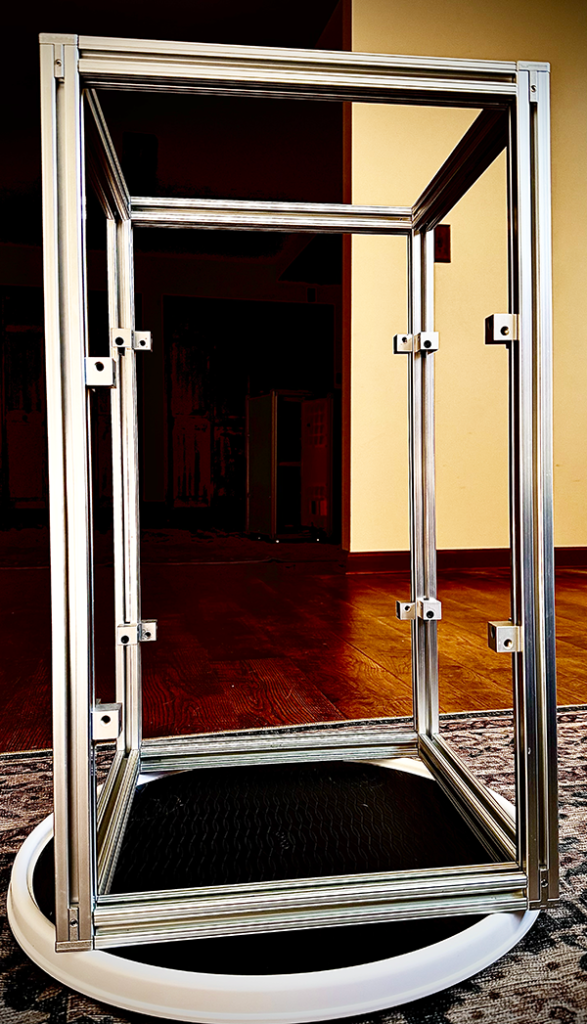
The Frame: Structure Without Compromise
The frame is the structural skeleton. It defines geometry, alignment, and repeatability for every evolution. Built from corrosion-resistant members, it holds sensors, mounts, barriers, and accessories on a rigid framework.
Why does that matter? Progressive training and training iterations to improve real skills only works when conditions are consistent. When a trainee takes an action, the system response should reflect the consequences those actions, not flex, shift, or degrade due to inconsistencies in the trainer.
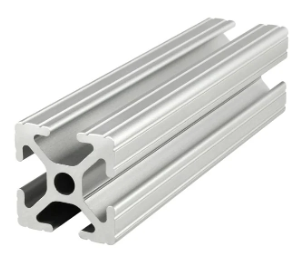
Key characteristics:
- Rigid and dimensionally stable for consistent sensor spacing and hand-entry zones
- Modular design allows panels, barriers, and layouts to swap without rebuilding the entire device
- Mechanically isolated to protect sensitive components
- Fastener-based assembly for field serviceability and rapid reconfiguration
The frame serves as a reference standard. Everything else attaches to it, and nothing critical depends on disposable parts for strength or repeatability.
Barrier Materials – Energy Management and Realism
Barrier materials do the opposite job. They absorb punishment, manage energy, and are designed to be replaced. Where the frame must endure, barriers are allowed to fail gracefully.
Barrier types by function:
- Clear panels for visual reconnaissance and component identification
- Opaque sacrificial panels where concealment and realism take priority
- Flexible or layered materials to simulate cloth, packaging, and improvised shielding found in real devices
- Low-cost consumables in areas expected to be cut, punctured, burned, or sawed
Barriers are mounted to prevent force transfer to the frame. Energy is managed locally. The system takes the hit, not the structure.
When we talk about barrier, the possibilities are virtually limitless with respect to types and sizes, and not unlike real IED barrier materials, are only constrained by the imagination and budget of the bomber. For all intents and purposes however, common barrier materials usually converging on a small set of materials that are used for containers, with well-established properties such as thicknesses and density. These properties balances stiffness, weight, and cost., and you will see the same numbers repeat across wood, plastics, and even thin metals because tool ecosystems used for working these materials, shipping constraints, and legacy standards quietly force convergence.
“The Box” v.2™ ships with a uniform set of these barrier materials, and The Box™ sizes are generally determined, but are not constrained by these sizes or materials. If a user wants their Box™ to be a non-standard size or configuration, and ship with specific materials, that will be accommodated to the greatest extent possible. Irrespective of specialty configurations, the table below outlines common materials, sizes, and thicknesses for initial configurations.
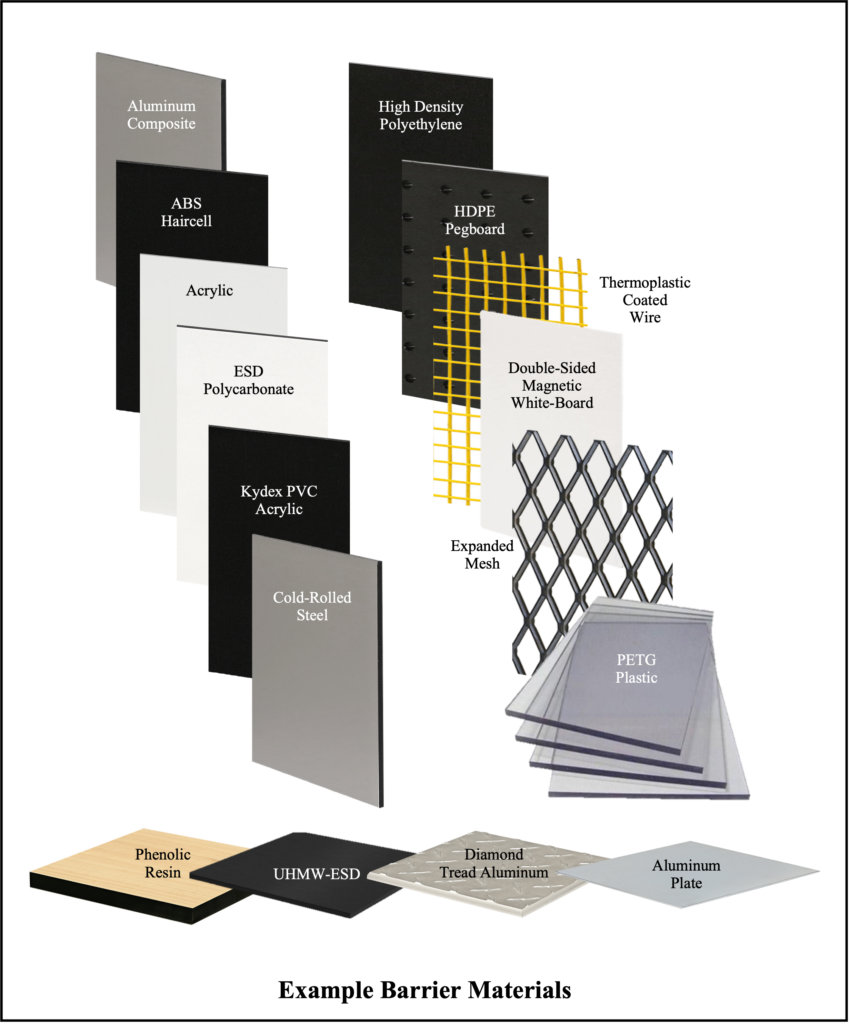
Common Panel Thicknesses (by material)
| Material | Very Thin | Thin | Medium | Thick |
| Wood (ply, MDF, birch) | 1/16” (1.6 mm) | 1/8” (3 mm) | 1/4” (6 mm), 3/8” (9 mm) | 1/2” (12 mm), 3/4” (18 mm) |
| Acrylic (PMMA) | 1/16” (1.5 mm) | 1/8” (3 mm) | 3/16” (4.5 mm), 1/4” (6 mm) | 3/8” (9 mm), 1/2”–1” |
| ABS/PVC/ HDPE | 1/32”–1/16” | 1/8” (3 mm) | 3/16”–1/4” (4.5–6 mm) | 3/8”–3/4” (9–19 mm) |
| Polycarbonate | 1/32”–1/16” | 1/8” (3 mm) | 3/16”–1/4” (4.5–6 mm) | 3/8”–1/2”+ |
| Aluminum | 0.020”–0.032” (24–20 ga) | 0.040”-0.063” | 0.090”–0.125” | 3/16”–1/4”+ |
| Steel | 22–20 ga | 18 ga | 16 ga | 1/8”+ plate |
| Chipboard/ Fiberboard | 0.5–1 mm | 1.5–2 mm | 3 mm | 5 mm |
| Foam Board | — | 3 mm | 5 mm | 10 mm |
Common Sheet Sizes (across most materials)
| Size (inches) | Metric Approx. |
|---|---|
| 12 × 12 | 305 × 305 mm |
| 12 × 24 | 305 × 610 mm |
| 18 × 24 | 457 × 610 mm |
| 24 × 36 | 610 × 914 mm |
The Payoff: Realism and Longevity
By separating frame and barrier functions, “The Box” v.2™ avoids the fatal compromise of traditional training aids, where realism destroys longevity, or durability affects realism.
What this means in practice:
- The frame never requires rebuilding after a scenario
- Barriers swap in minutes, resetting the training environment
- Damage tells a story while structure remains stable and usable
- Consumable costs stay predictable, therefore intentional, not accidental
This design also enables tiered training. Basic courses use forgiving barriers. Advanced courses introduce tougher materials, layered obstacles, and constrained access. The frame stays identical. Only the scenario and degree-of-difficulty changes.
The Sensor Ecosystem
During any truly successful training evolution, the trainee has three foundational objectives:
- To work cleanly and deliberately
- To avoid causing unintended changes to the operational environment
- To accomplish the mission
“The Box” v.2™ watches for unintended changes and flags them instantly. Since all sensor violations are logged, there is no question about which sensor was violated, or when. If the mission is unsuccessful, “The Box”™ allows you to pinpoint the root cause, at the exact moment of failure.
“The Box” v.2™ Accomplishes Three Critical Functions
- It detects meaningful events using configurable baselines for movement, proximity, heat, light, capacitance, magnetic fields, current changes, etc.
- It delivers immediate feedback through LEDs, audible alerts, haptics, or other operator-level appropriate penalties
- It records event timelines for objective after-action review, specific skill improvement, and progressive, repeatable training evolutions
Because the sensor suite is fully configurable, “The Box” v.2™ can be tuned for different scenarios, venues, threat profiles, and experience levels, from basic awareness training and entry-level diagnostics, to advanced access and disablement.
What “The Box” v.2™ Senses (Real-World Applications)
While it is possible, and for certain scenarios preferable to use do-it-yourself (DIY), or cheap older generations of analog and digital output sensors, The Box”™ ships with I2C-enabled sensors to ensure the highest fidelity in data capture possible. Regardless of the type however, all sensors used in “The Box”™ are sourced from reliable and reputable vendors, and have been thoroughly tested for accuracy and consistency by Render Safe Technologies staff.
Additionally, every sensor used in “The Box”™ has genuine operational relevance, and are not present just for show. Here’s how a few types of sensors are used in standard versions of “The Box” v.2™, and map to real-world training needs:
1. Movement and Handling Discipline
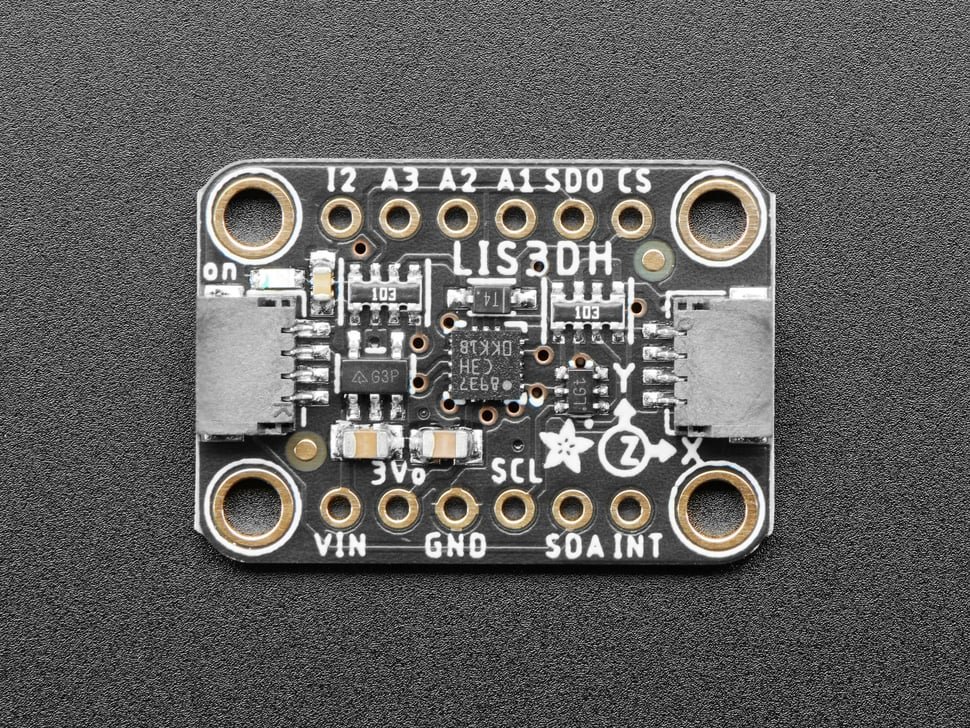
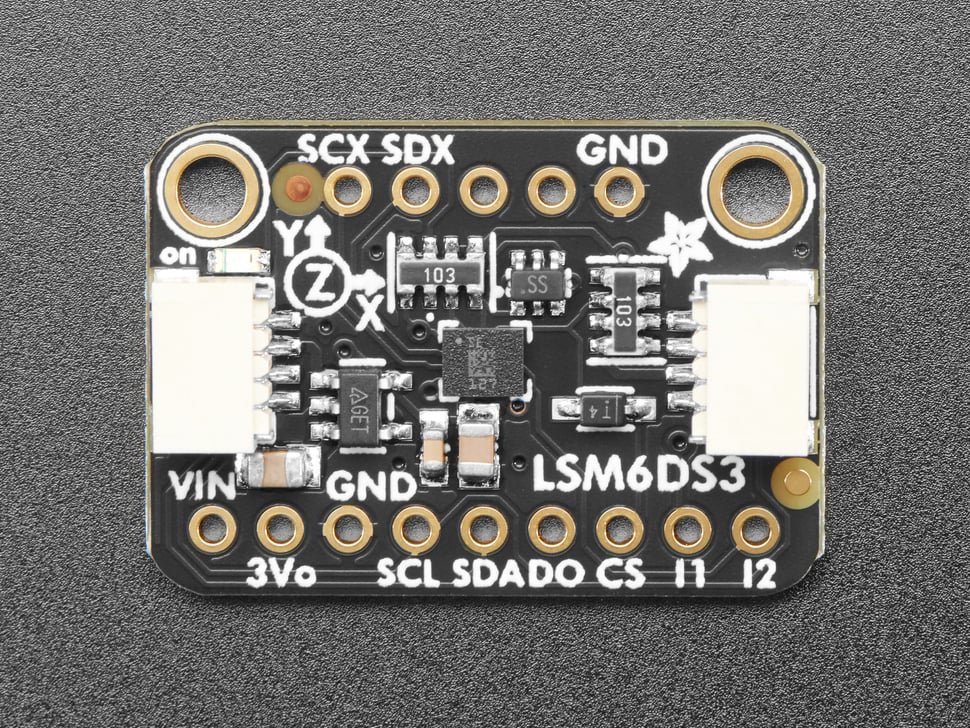
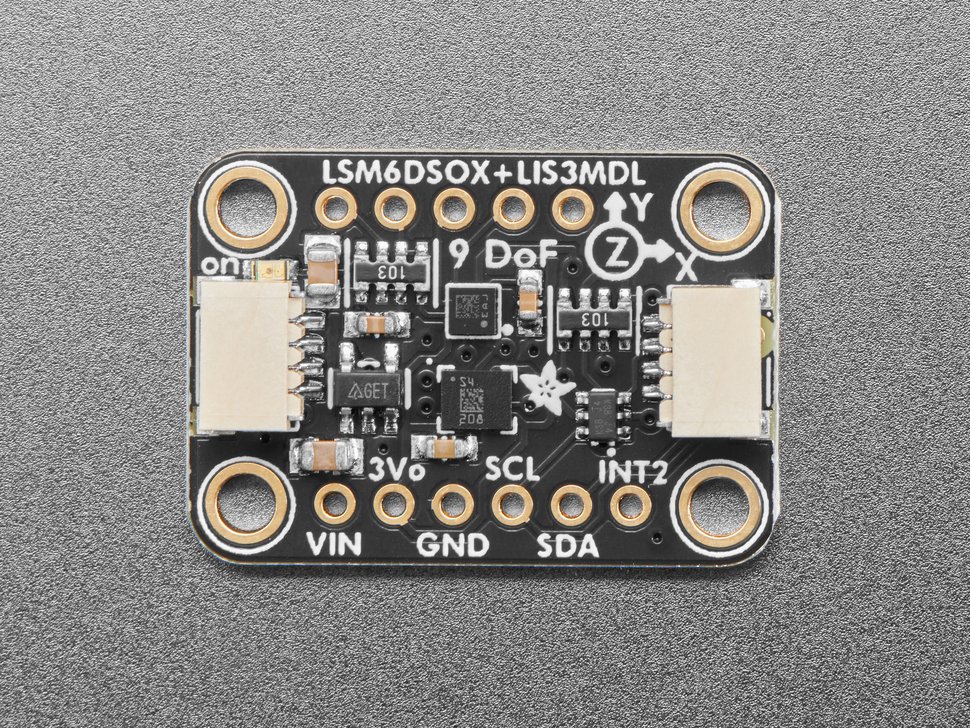
Sensor Types – Motion and Acceleration Detection: These sensors measure bumps, jolts, lifts, and sudden movements. Basically, a “hands-on discipline detector” that distinguishes purposeful techniques from guesswork. In real operations, even tiny mistakes matter. Motion sensing turns “being careful” into measurable behavior.
2. Standoff and Approach Avenue Control
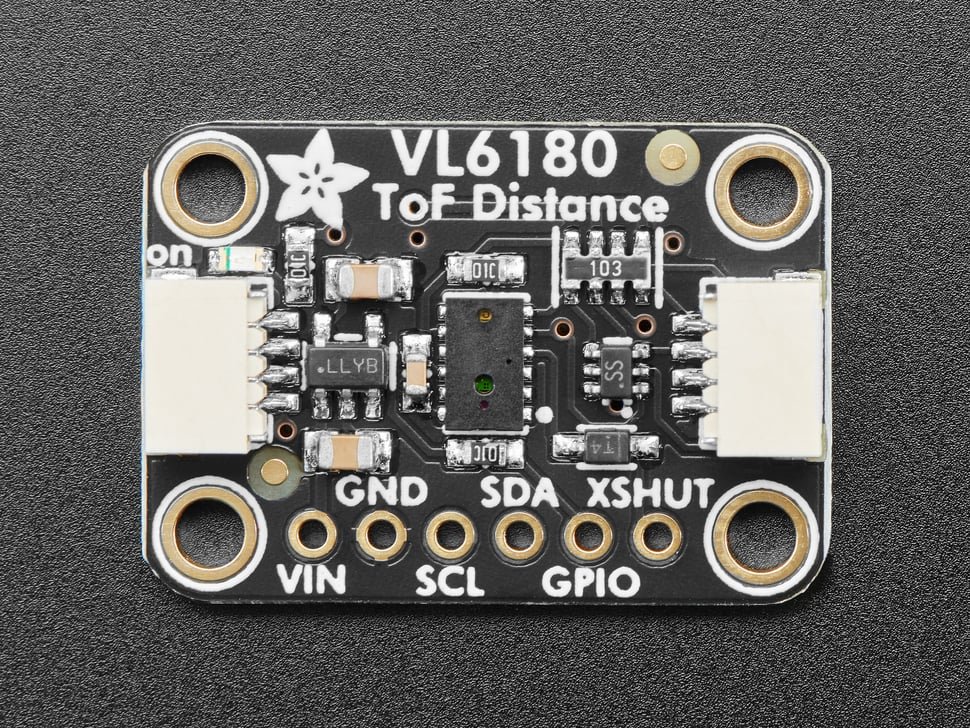
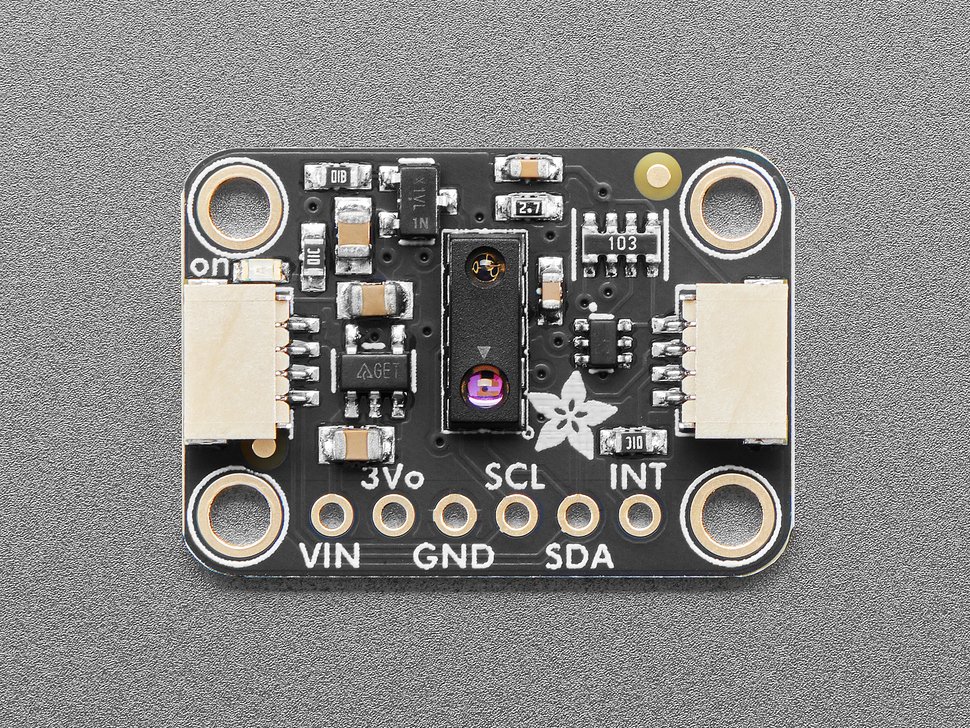
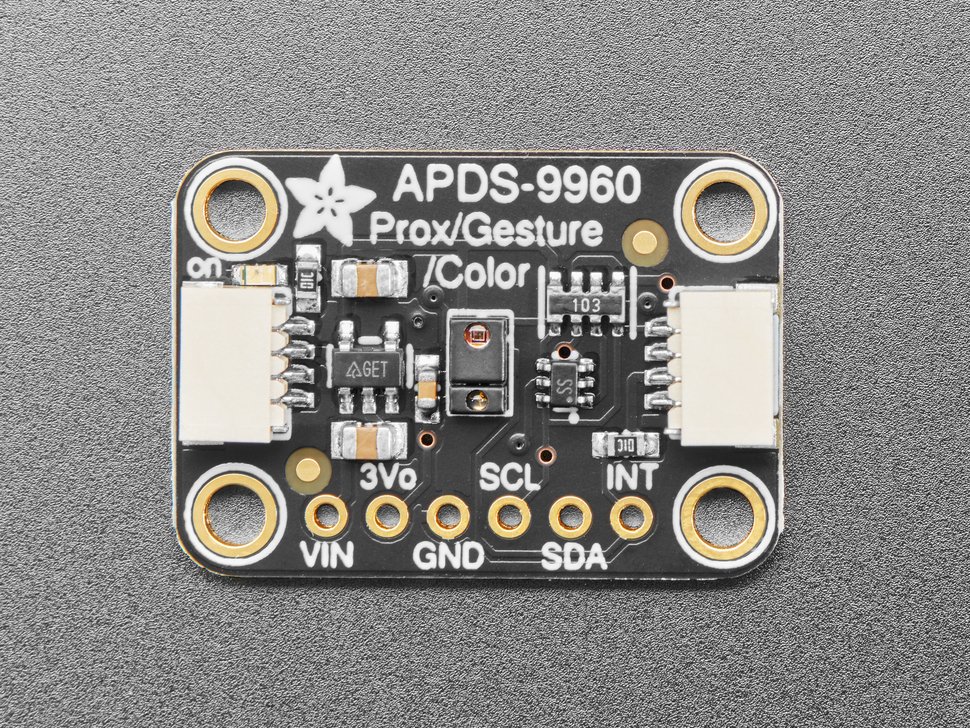
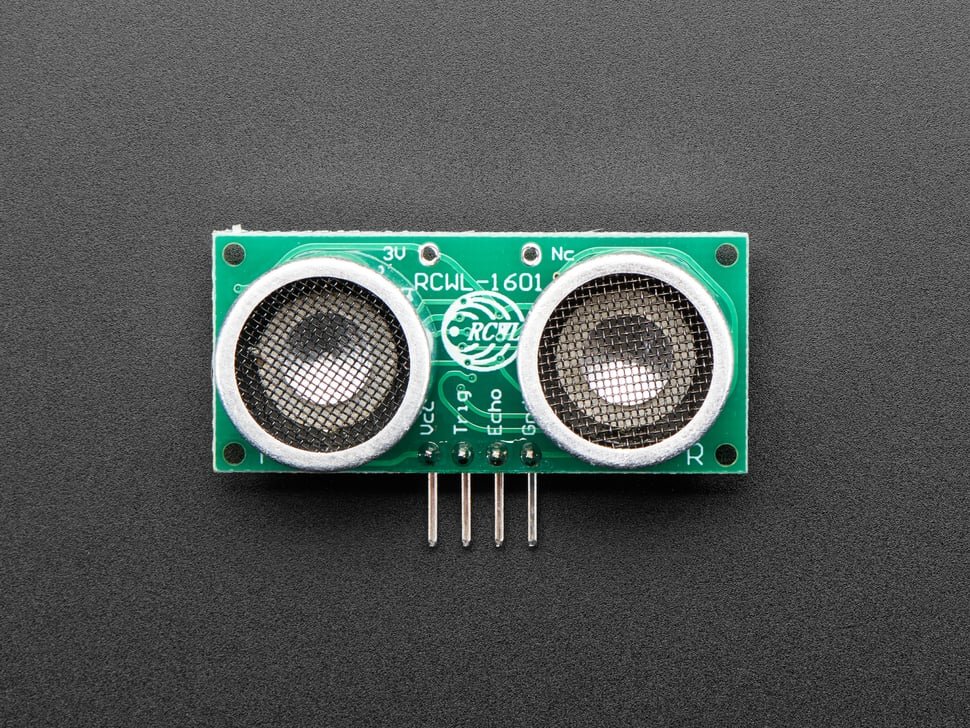
Sensor Types – Proximity and Time-of-Flight: These sensors detect proximity to monitored areas and approach speed. They enforce scenario rules like standoff distances and approach discipline. Trainees learn attack angles and pacing, not just task completion.
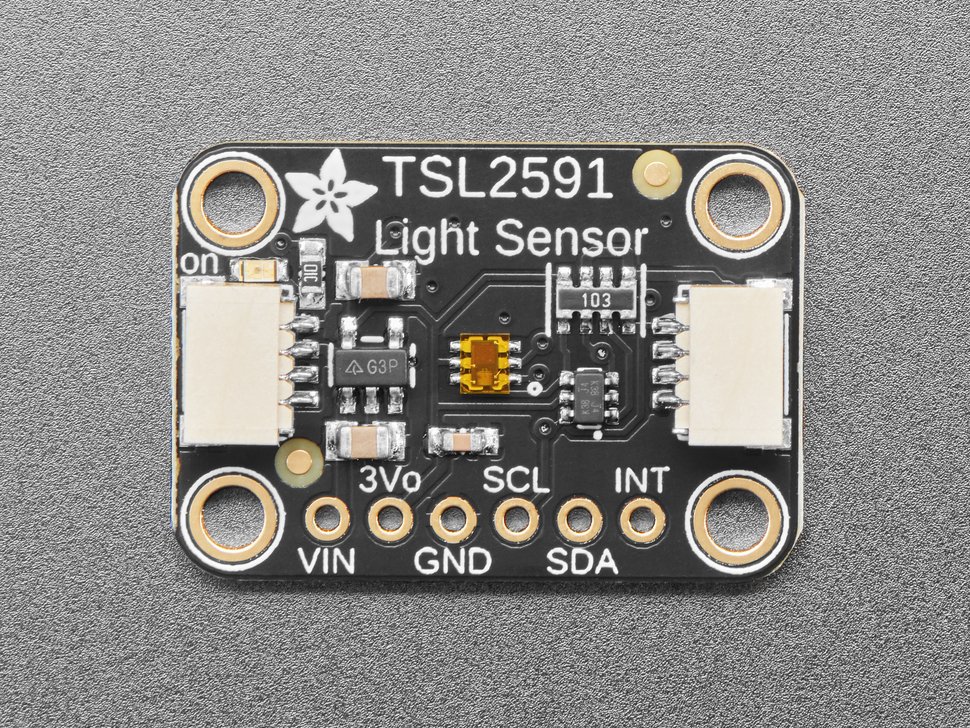
3. Light Discipline and Luminosity Awareness
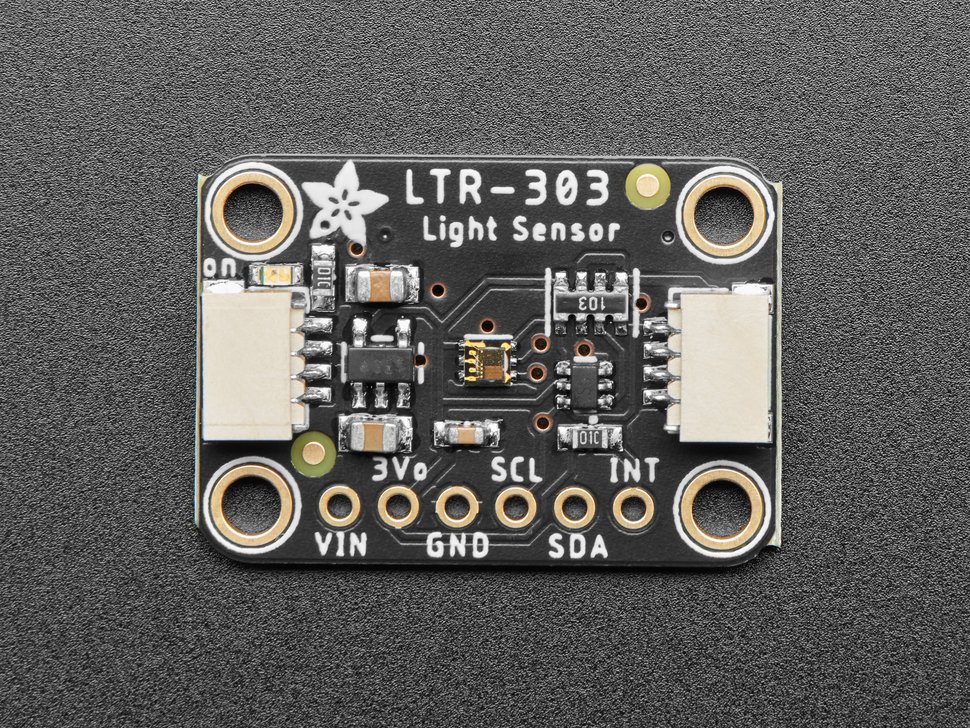
Sensor Types – Ambient Light and Dynamic Range Detection: These sensors track changes in light levels, like sudden brightness, cast shadows, or exposed sensors. They are essential for light-discipline training. These sensors detect cover removal, lid opening, or introduced lighting. They work in variable conditions from very low-light to ultra-bright environments.
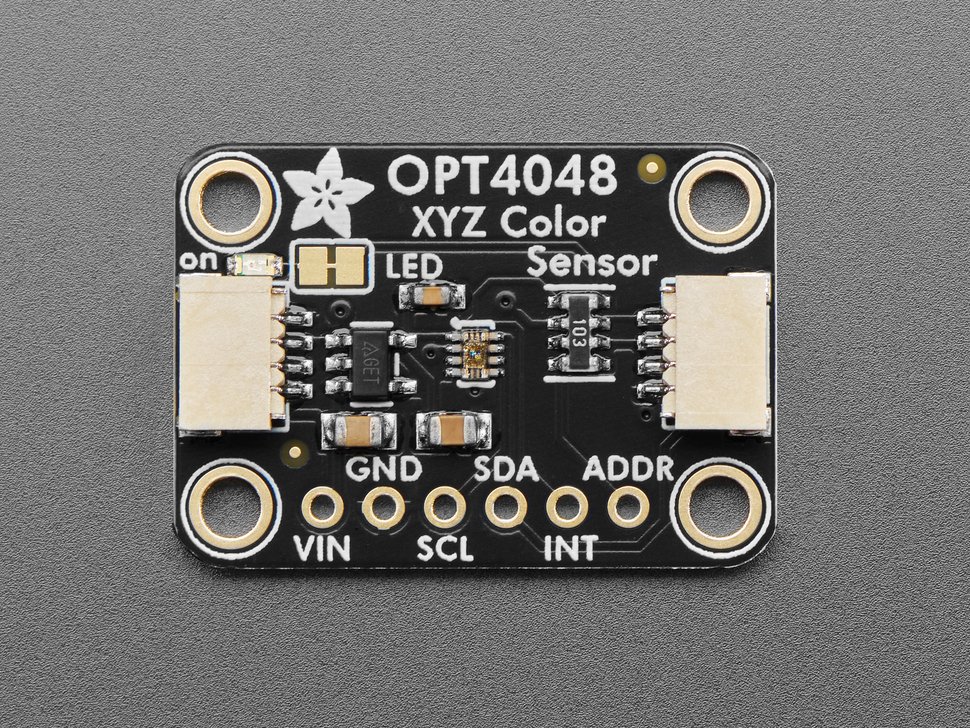
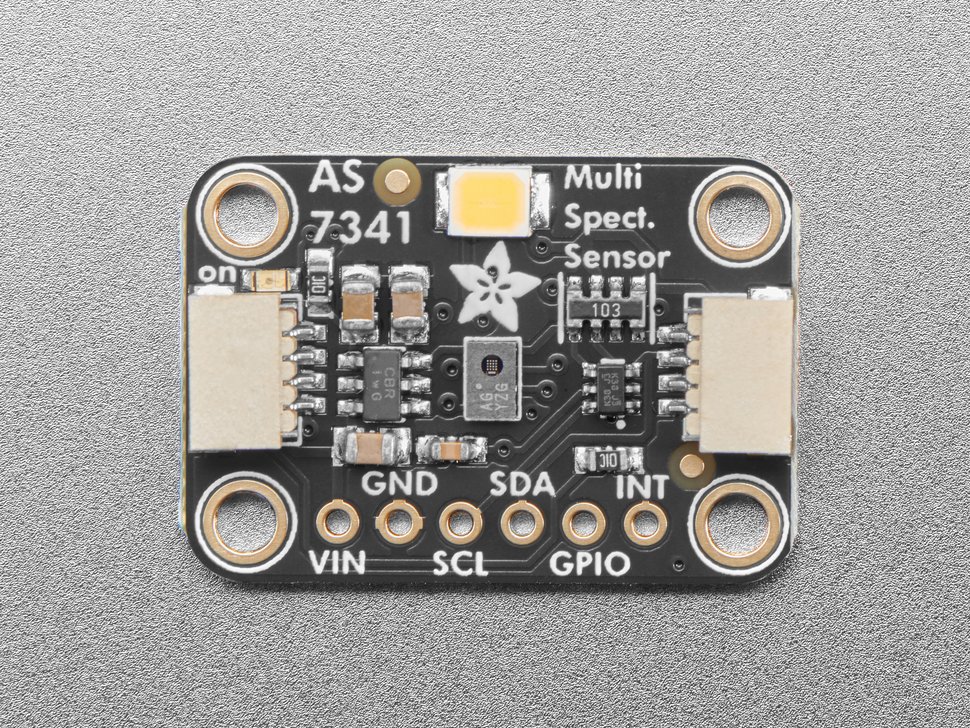
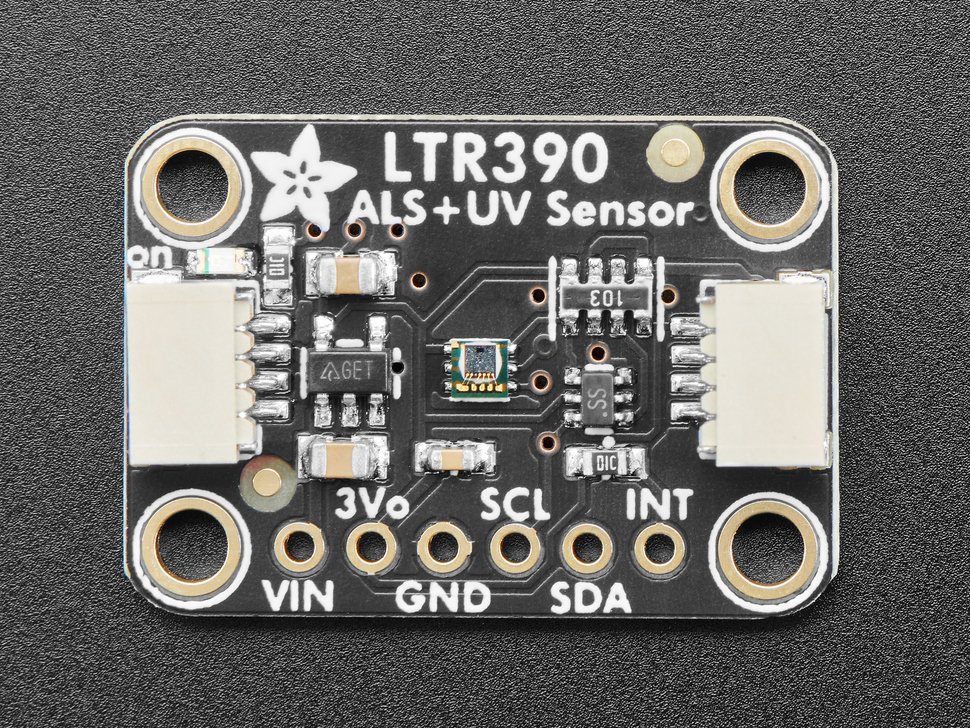
4. Spectral and Signature Sensing
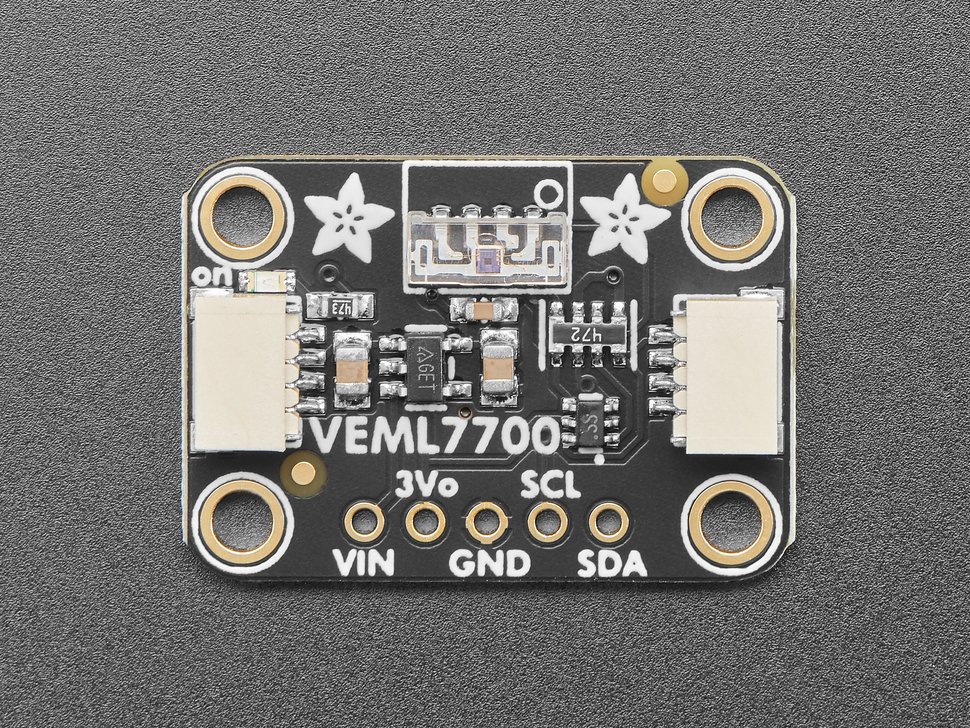
Sensor Types – Multi-Band Spectral Detection: These sensors detect shifts in spectral signature across light bands (i.e., full-spectrum, IR, ultraviolet, visible light, specific color wavelengths). They support advanced scenarios where the quality of change matters more than mere presence of change. These sensors are tunable for venue-specific lighting and target materials.
5. Environmental Stability: Temperature and Humidity
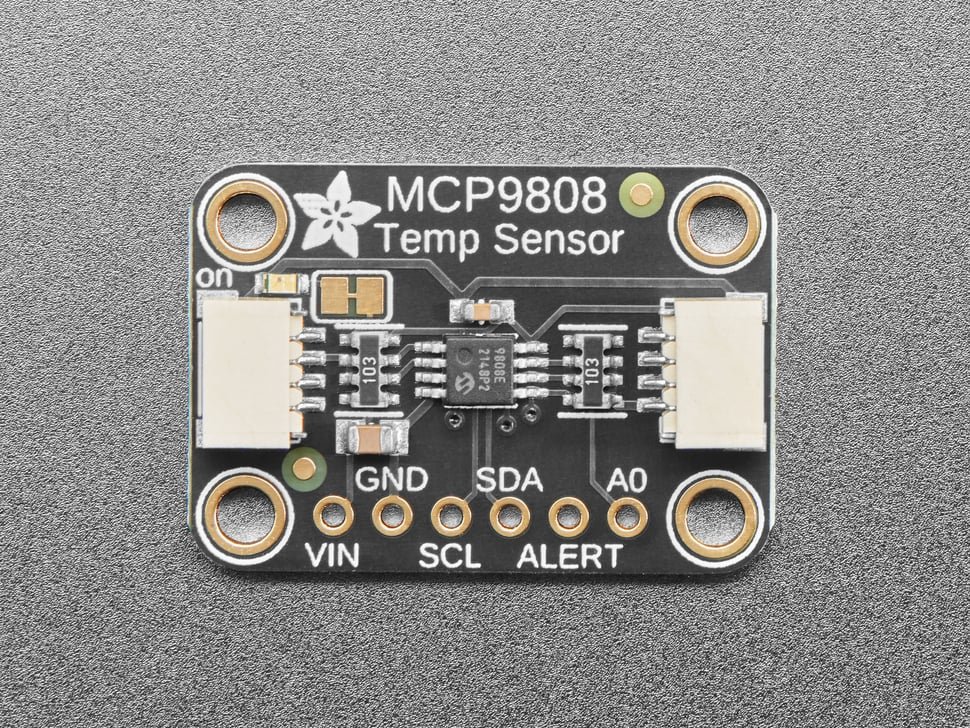
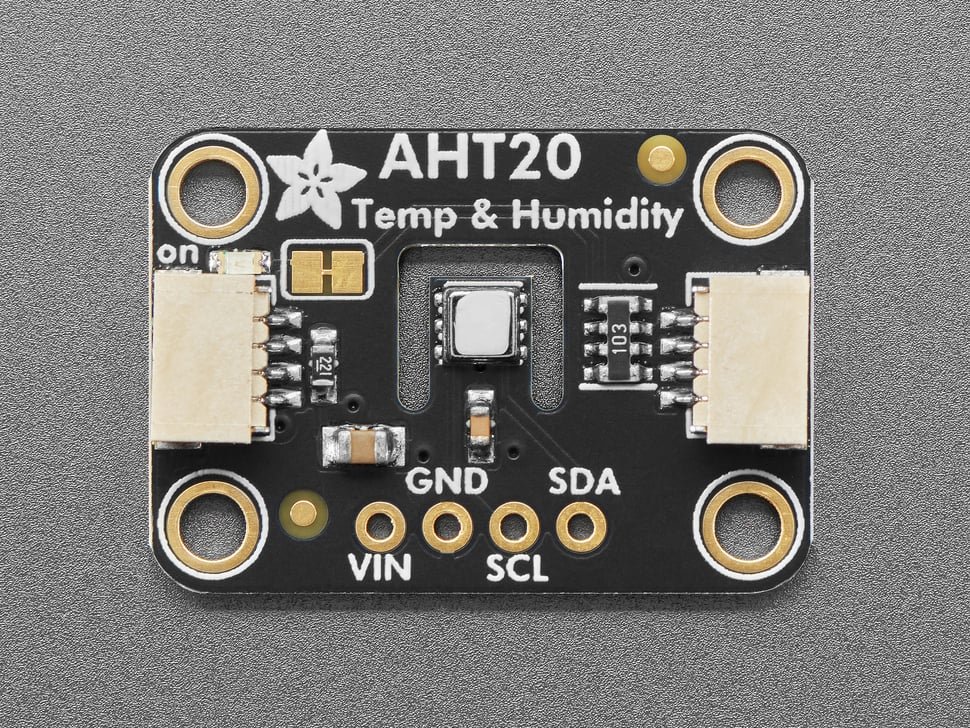
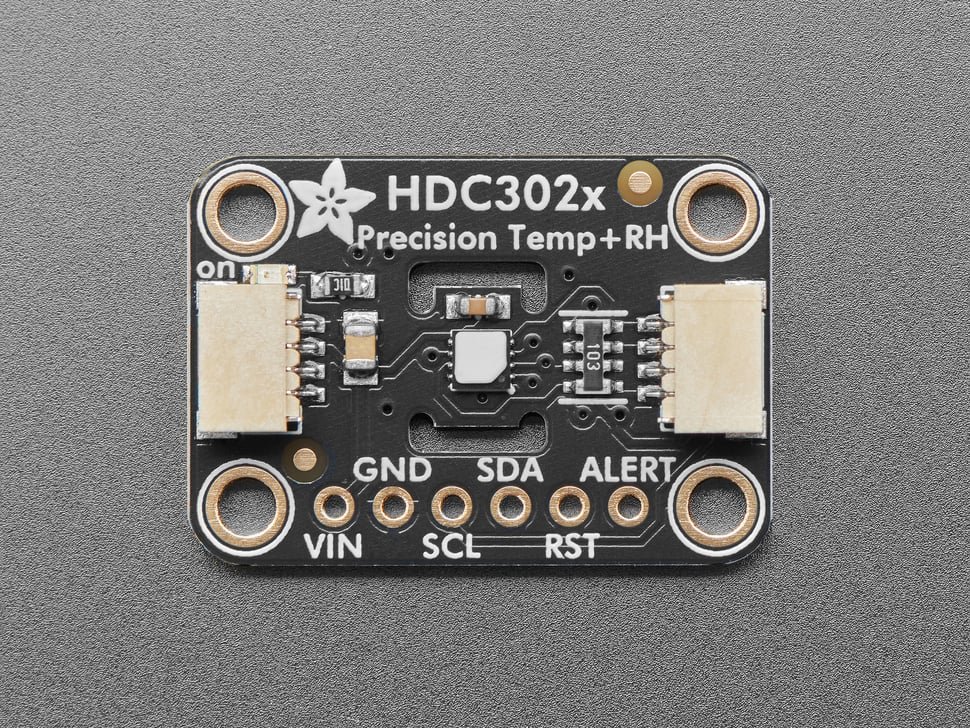
Sensor Types – Precision Temperature and Humidity Monitoring: These sensors monitor ambient conditions and detect unintended changes from handling or intentionally introduced heat sources. They detect humidity shifts from the introduction of liquids, perspiration, or environmental change. These sensors train technicians to work without unintentionally warming, cooling, or altering ambient conditions.
6. Circuit Modification Consequences
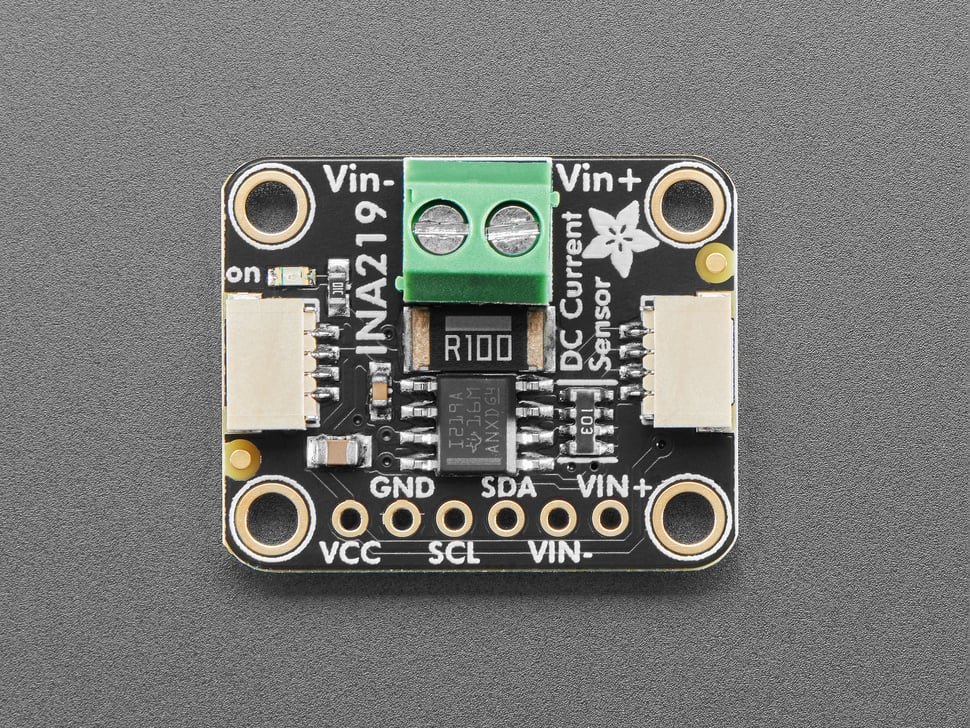
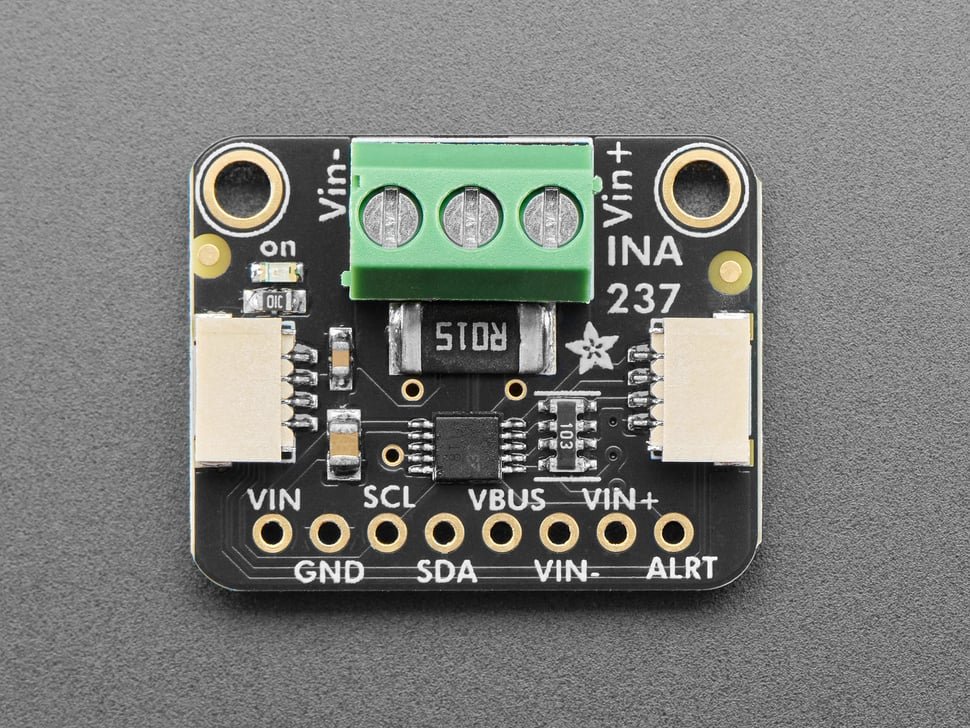
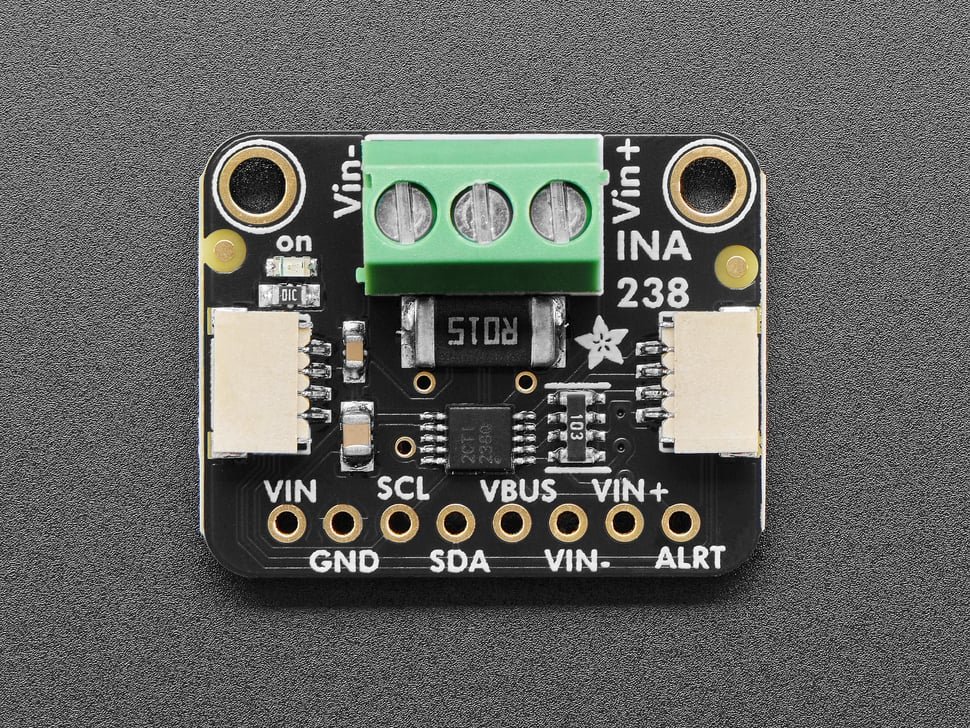
Sensor Types – Current and Voltage Monitoring: These sensors monitor electrical state changes in systems or initiation frameworks. They detect disconnection of loads, breaks in wiring or circuitry, or power interruptions. They bridge the gap between training props and functional systems, and reflect real electrical outcomes without exposing trainees to hazardous penalties.
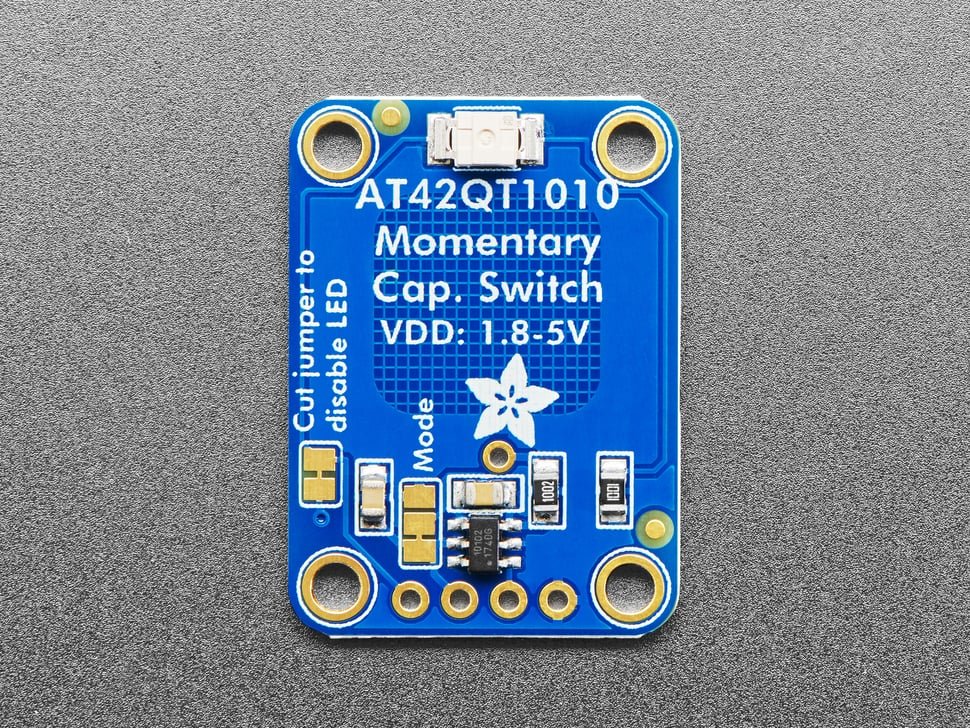
7. Touch and Contact Events
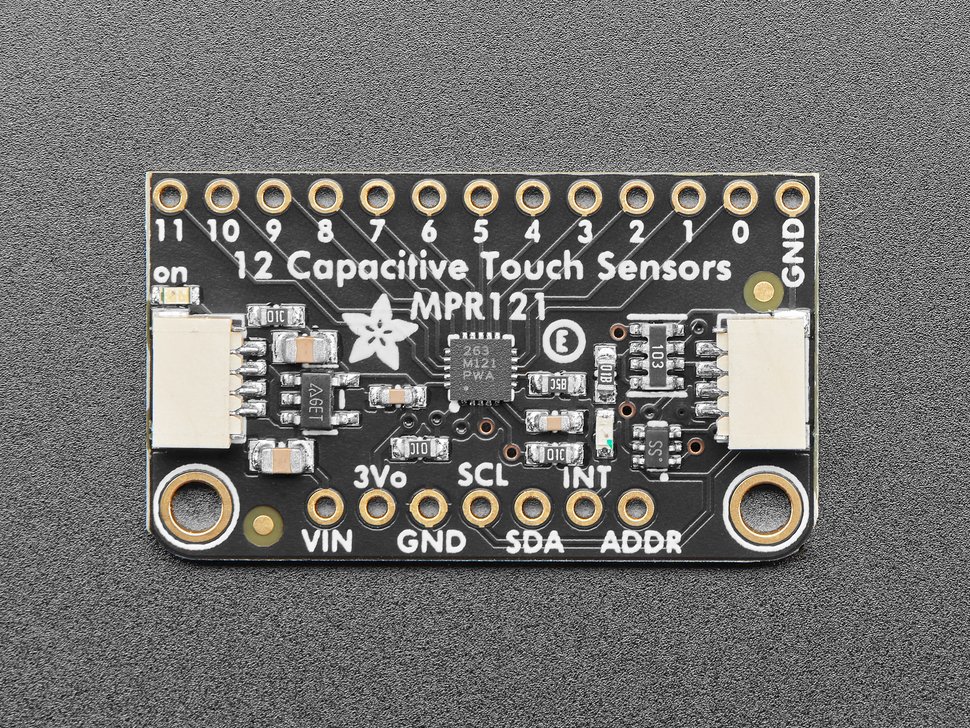
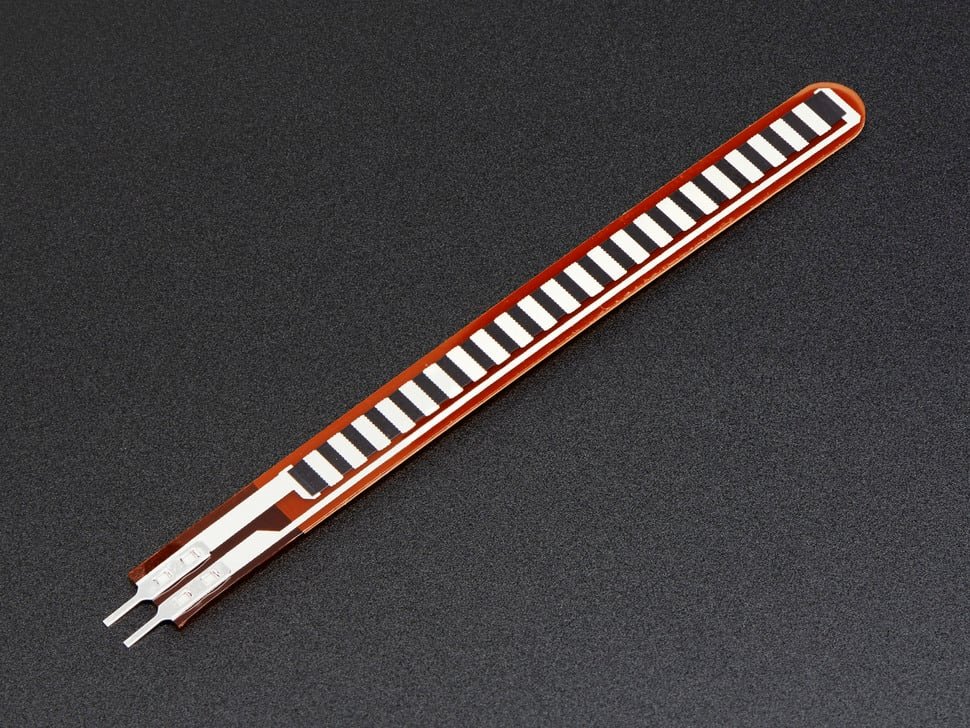
Sensor Types – Capacitive Touch, Pressure, and Pressure-Removal Detection: These sensors monitor specified contact points and detect inadvertent touches. They support “no-touch” zones and enforce contact discipline and tool control as measurable skills.
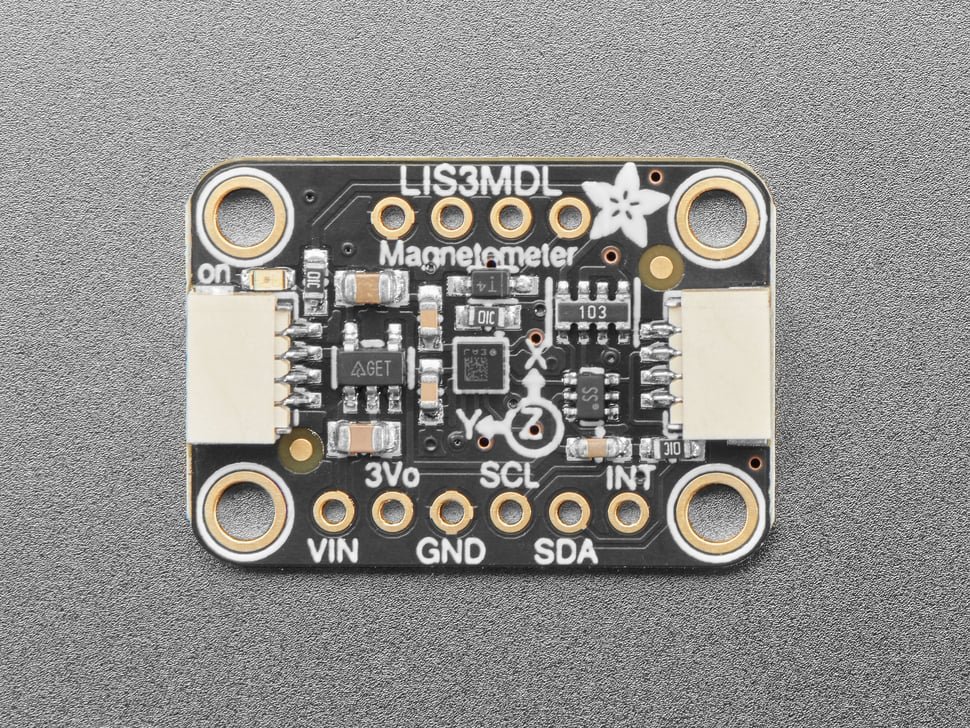
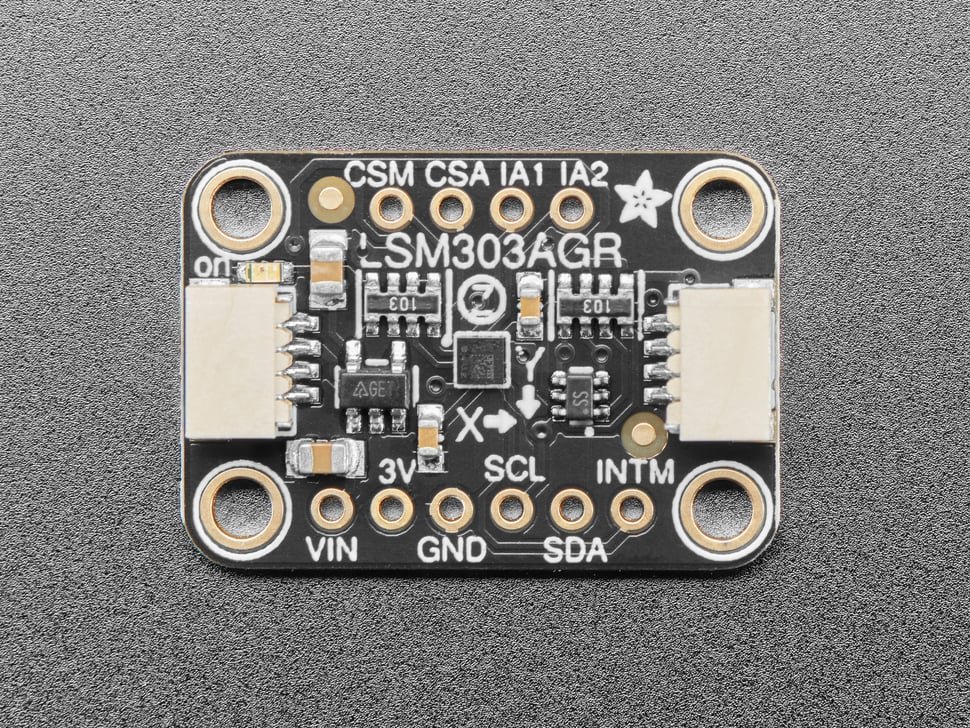
8. Magnetic Field Changes
Sensor Types – Magnetometers: These sensors detect local magnetic field shifts, or changes in relation to the Earth’s magnetic field (i.e., direction). They are useful for scenarios involving magnetic tools and objects, and flag magnetized items and proximity effects. They are functions as a “silent tripwire” for advanced evolutions, and reflect how adversaries use real magnetic influences as a hazard.
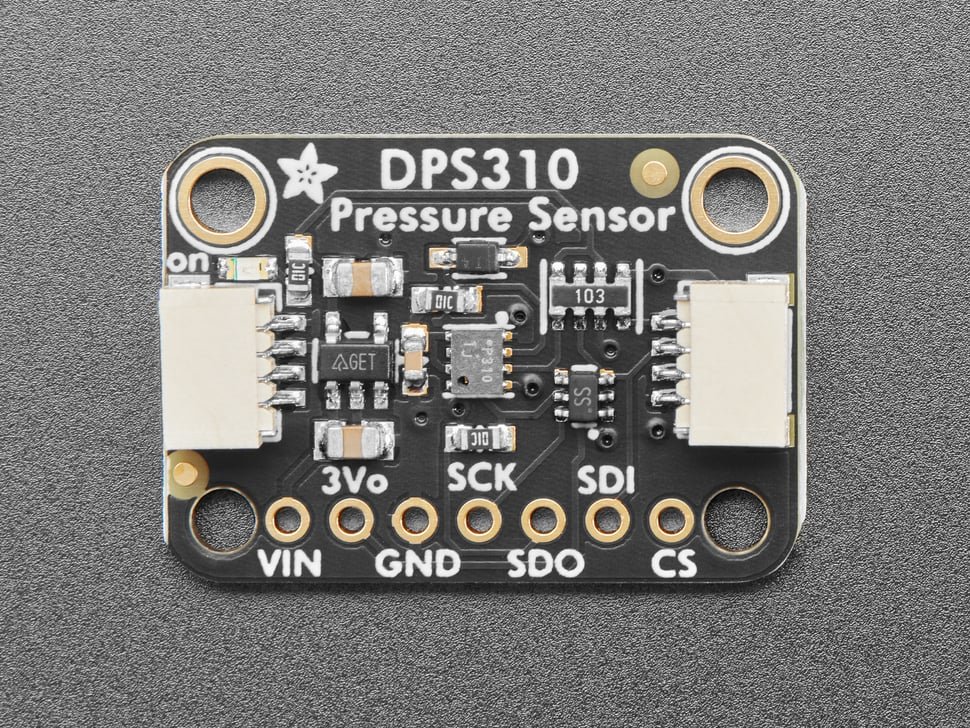
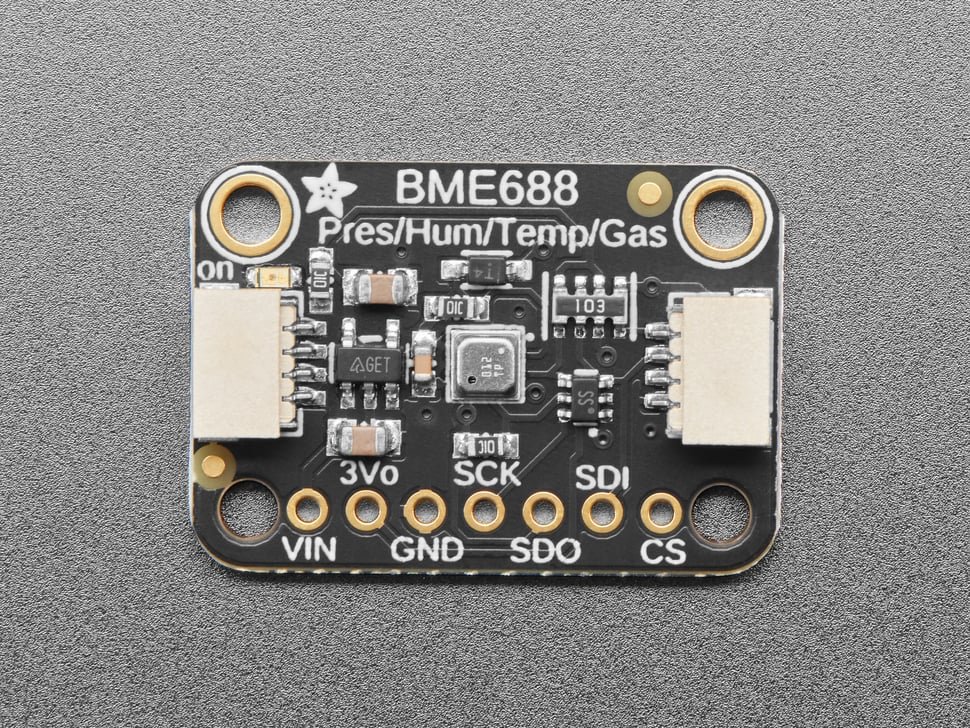
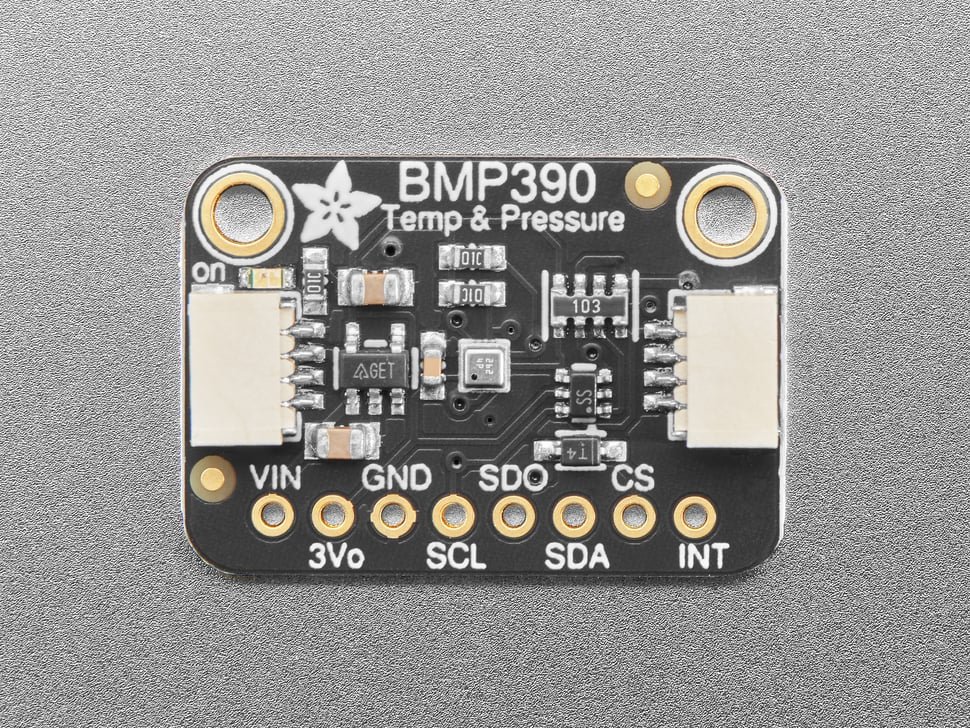
9. Barometric Pressure and Altitude Considerations
Sensor Types – Barometric Pressure and Altitude Change Detection: These sensors detect opening of sealed or pressurized enclosures and rapid pressure changes, and are able to sense subtle vertical handling and movement patterns (i.e., changes in altitude). These sensors add an often-overlooked independent parametric consideration.
10. Human Presence Detection
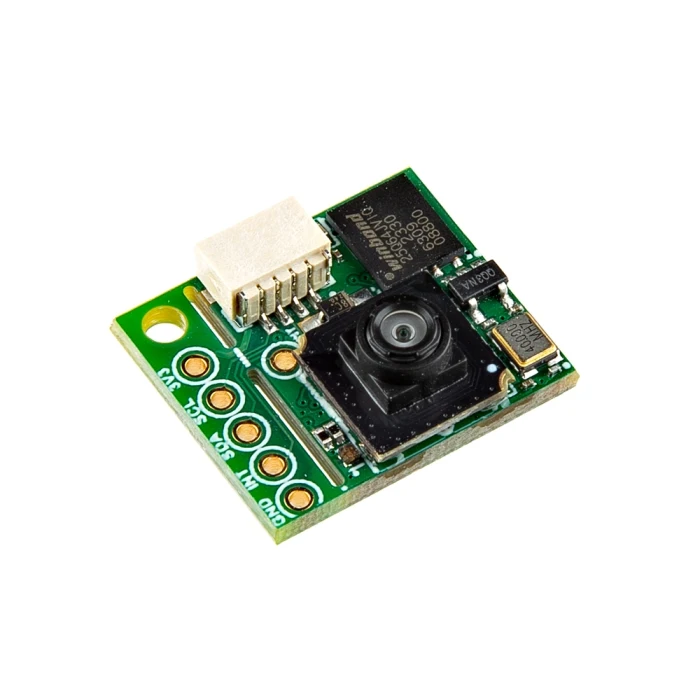
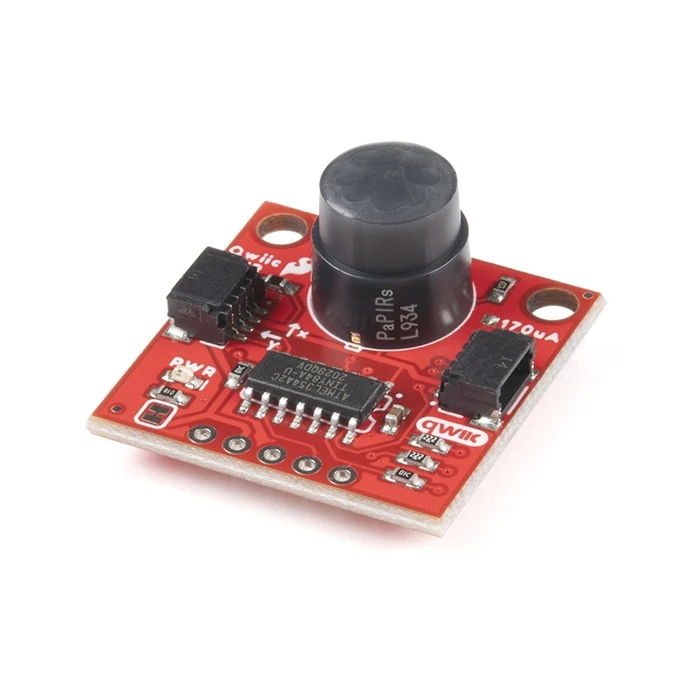
Sensor Types – Person Sensors: These sensors detect human presence signatures. As a class, they are able to support evaluation of zone-based behavior, as well as detecting single or multiple personnel in the detection area and alarming on a specific count. These sensors also demonstrate how adversaries are able to augment devices with AI-enabled activation capabilities.
The Instructor Interface: Control, Flexibility, and Accountability
“The Box” v.2™ interface is built on three core principles:
- Cognitive focus for trainees – Trainees see only sensors and feedback relevant to the scenario
- Full control for instructors – Instructors retain access to all sensors, thresholds, and diagnostics
- Immediate feedback and accountability – Every interaction is logged, time-stamped, and associated with specific trainees and sessions
Browser-Based Dashboard (No Installation Required)
The Instructor Interface is clean, browser-based, and works on phones, tablets, and laptops. It includes:
1. A User Session Panel
The instructor enters the trainee’s name, presses Start, and presses End when finished. This creates a discrete, time-bounded training session automatically logged. Each trainee’s interactions are recorded for objective evaluation.
2. Sensor Enable/Disable Controls
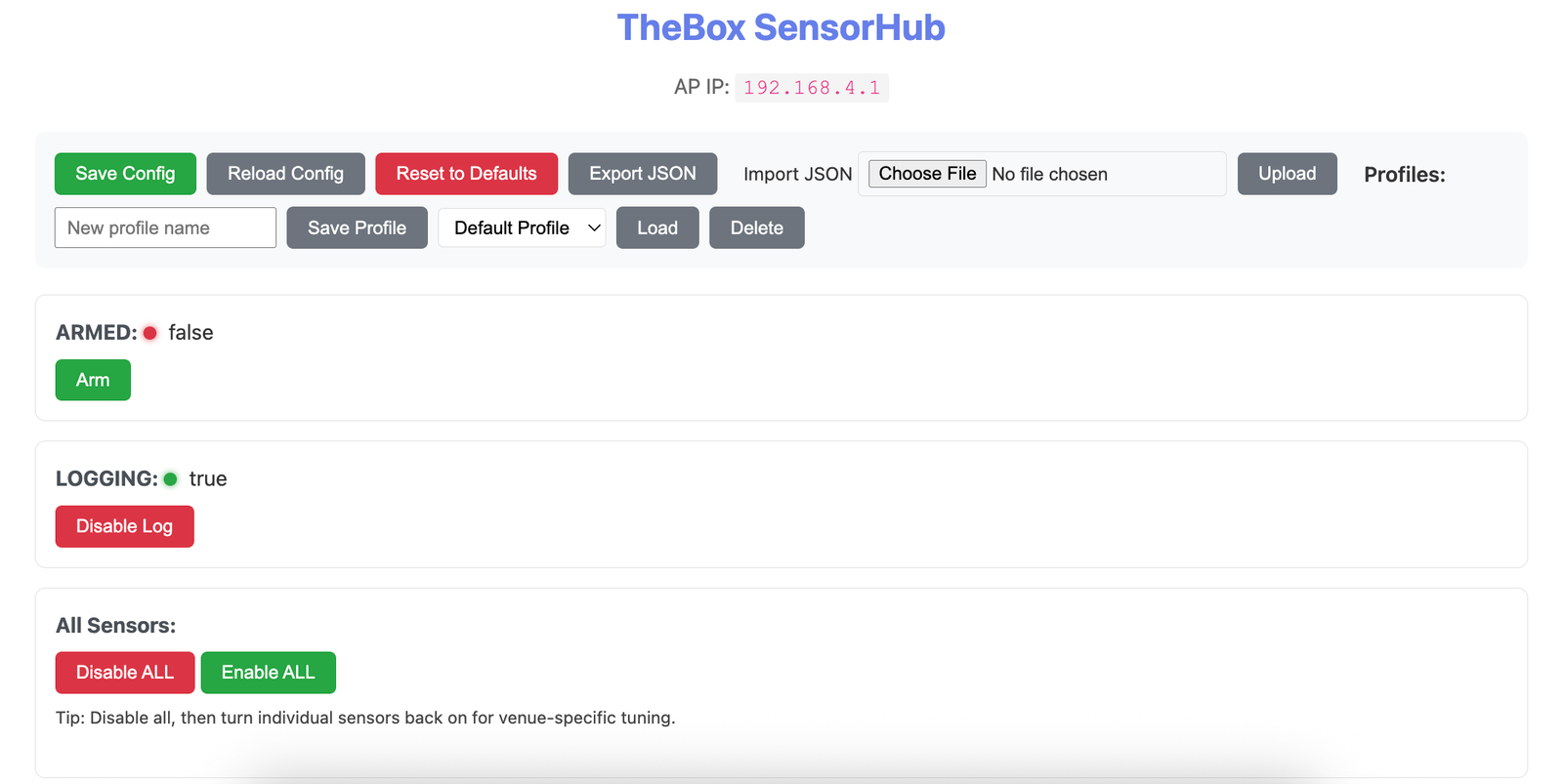
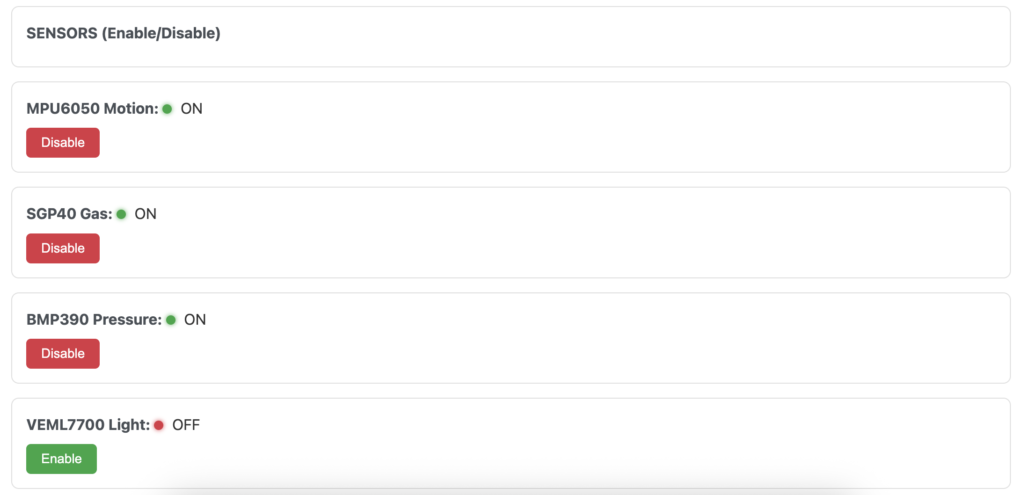
Each active sensor can be independently enabled or disabled:
- Enabled sensors are processed by the system
- Disabled sensors are ignored
- Hidden sensors don’t appear to trainees at all
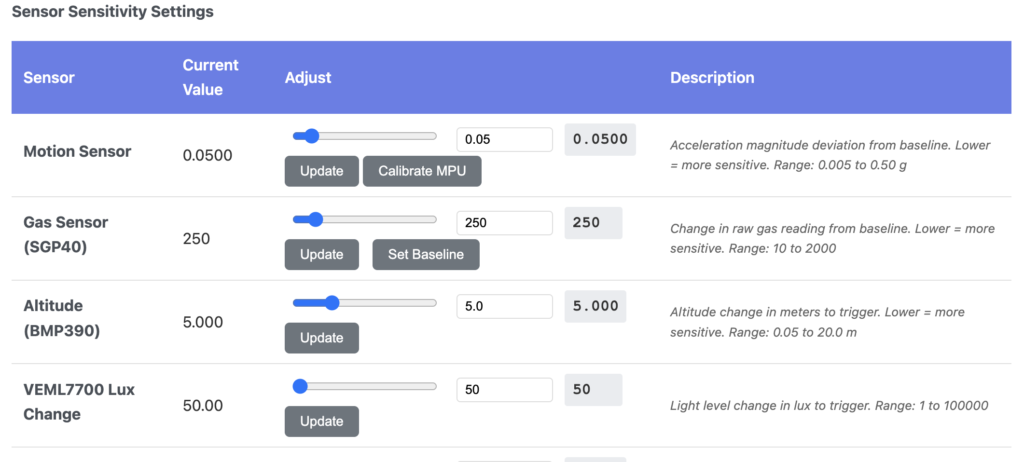
3. Sensitivity and Threshold Adjustments
Instructors can design scenarios where trainees must make decisions and reason about the environment in which they are operating, not just follow rote procedures. For visible, enabled sensors, instructors can adjust parameters like:
- Motion sensitivity
- Distance thresholds
- Light or proximity deltas
- Temperature and environmental limits
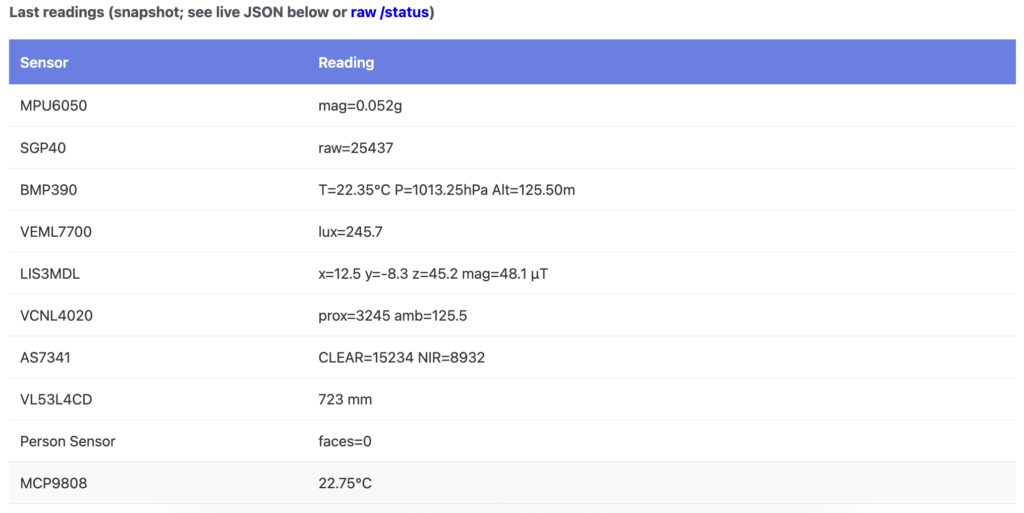
4. A Real-Time Status Snapshot
A snapshot table shows the most recent readings for visible sensors, not a raw oscilloscope view, but a situational awareness tool. Instructors see just enough feedback to confirm cause and effect without information overload.
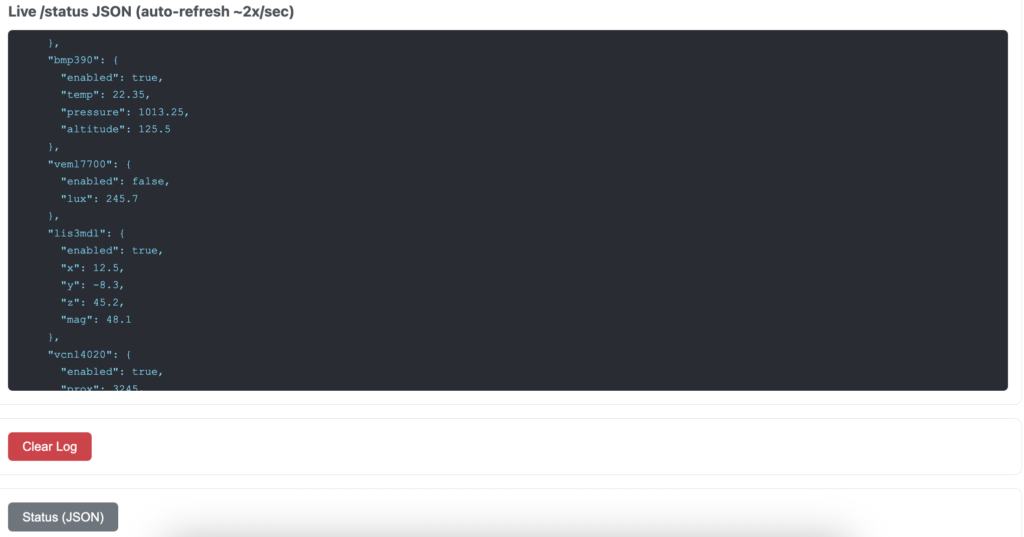
The Administrator Interface is accessed directly via a protected admin page and includes:
1. Sensor Visibility Management
Admins can hide sensors entirely, reveal them as training progresses, and tailor the interface to specific scenarios. Each sensor has two independent states:
- Enabled – whether it’s data is processed by the system
- Visible – whether it is seen by the instructor
2. Built-In Logging and Accountability
- Event Log – Every triggered event records associated trainee name, timestamp, sensor type, and sensor violation details
- Session Log – Each trainee session records name, session ID, and duration, which supports after-action review, longitudinal performance tracking, and objective student evaluation
Below is website-ready explanatory content, written for instructors, evaluators, and decision-makers. It’s structured so you can drop it straight into a product page, documentation section, or “How It Works” panel.
Data Recorded During Training Sessions (If Enabled)
A Realistic Instructor-Facing Example
Every training session conducted using “The Box” v.2™ automatically generates objective, reviewable data. This data is stored locally on the SD card, requires no internet connection, and is written in standard .csv format for easy review in Excel or similar tools.
Below is a realistic example of what an instructor would find after a single trainee completes one typical session.
File 1: Session Summary (user_sessions.csv)
This file answers the most basic instructional question of who trained, and for how long?
User,SessionID,Duration
John Doe,4,00:23:16
This Identifies
- User – The name entered by the trainee at the start of the exercise
- SessionID – A unique identifier for that training run
- Duration – Total hands-on time in H:M:S
This file is ideal for:
- Attendance tracking
- Time-on-task analysis
- Longitudinal performance comparisons
It provides immediate accountability without requiring instructor note-taking.
File 2: Event-Level Training Log (sensorhub.csv)
This file captures what actually happened during the session.
# 00:00:00, SESSION 4 START (USER LOGIN)
ID,User,SVT (H:M:S),Sensor,Details
1,John Doe,00:00:07,MPU,Motion triggered (Δ=0.083g)
2,John Doe,00:00:14,VCNL4020,Proximity triggered (raw=11422)
3,John Doe,00:00:29,MPU,Motion triggered (Δ=0.071g)
4,John Doe,00:00:46,MPR121,Touch active (2 contact points)
5,John Doe,00:01:12,MPU,Motion triggered (Δ=0.065g)
6,John Doe,00:01:55,VCNL4020,Proximity triggered (raw=10201)
7,John Doe,00:02:41,VL53L4CD,Near threshold crossed (238 mm)
8,John Doe,00:03:58,MPU,Motion triggered (Δ=0.054g)
Column breakdown
- ID – Sequential event number
- User – Active trainee at the time of the event
- SVT (H:M:S) – System uptime timestamp
- Sensor – Sensor responsible for the event
- Details – Context-specific trigger information
Each row represents a meaningful interaction, not noise.
How Instructors Read This Data
From a single session, an instructor can infer:
- The trainee trained for just over twenty-three minutes
- Early motion and proximity triggers suggest initial impulsivity
- Trigger frequency decreases as the session progresses
- A late distance trigger indicates a final controlled approach
- A touch event suggests either probing or poor hand placement
None of this requires subjective interpretation during the exercise. The behavior is visible in the data.
Even Passive Sensors Tell the Truth
Sensors that are hidden from the trainee interface still log events. For example:
9, John Doe, 00:04:22, SGP40, Gas delta exceeded (Δ=118)This allows instructors to:
- Detect unrecognized errors
- Identify awareness gaps
- Run deception or uncertainty-based scenarios
- Conduct meaningful after-action reviews
Trainees are never tipped off in real time, but instructors retain full visibility of ever sensor reading in the system. This keeps training from being dependent solely on:
- Instructor memory
- Anecdotal impressions
- Incomplete observation
“The Box”™ replaces intangible or uncertain assessment criteria with:
- Time-stamped evidence
- Sensor-driven accountability
- Repeatable, defensible evaluation
Every session leaves behind a behavioral record, not just an outcome.
Designed for Review, Not Surveillance
The data exists to support learning, not micromanage instructors. It is:
- Human-readable
- Spreadsheet-friendly
- Locally stored
- Fully instructor-controlled
In summary, after a training session, instructors walk away with:
- A clear record of who trained
- Exactly how long they trained
- A timeline of what they did
- Objective evidence for after-action review
No cloud account. No proprietary viewer. No guesswork. Just data that reflects behavior.
X-Ray Interpretation and Critical Thinking
One of the most overlooked failure points in training isn’t technique, it’s interpretation. “The Box” v.2™ deliberately closes this gap by forcing technicians to think first in images, not hands and tools.
Designed to Be Analyzed, Not Just Opened
The frame and barrier system is radiographic by design. Every material, thickness, and fastener location is selected with X-ray behavior in mind. When a trainee images “The Box” v.2™, they’re reading density changes, overlaps, voids, shadows, and masking effects that mirror real-world devices, because access decisions are considered before the first cut is ever made!
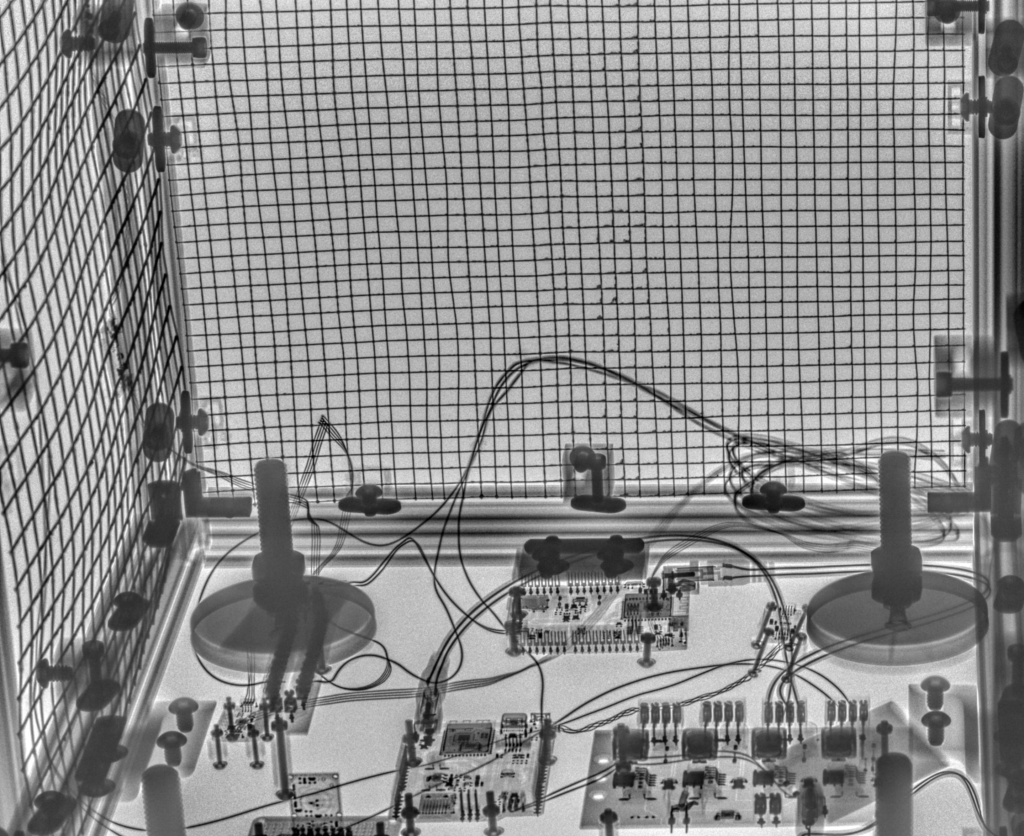
Access Strategy as Cognitive Skill
Before any physical action, trainees interpret:
- X-ray density and orientation
- Likely attachment and routing paths
- Internal geometry from partial views
- Access points that preserve information instead of destroying it
That feedback loop turns access planning into a measurable skill, not subjective judgment.
Tactical Reasoning Through Frame Stability
Because the frame never changes, the same internal geometry presents behind different barrier stacks, concealment methods, or orientation. Trainees learn to ask:
- How does material choice affect radiographic visibility?
- What access method yields maximum information for minimum disruption?
- When does speed trade off against certainty?
These are tactical, not procedural, questions.
From Imaging to Action
“The Box” v.2™ bridges the gap between imaging and execution. Technicians justify access strategies based on what radiography proves, not what rote procedures and habit assumes.
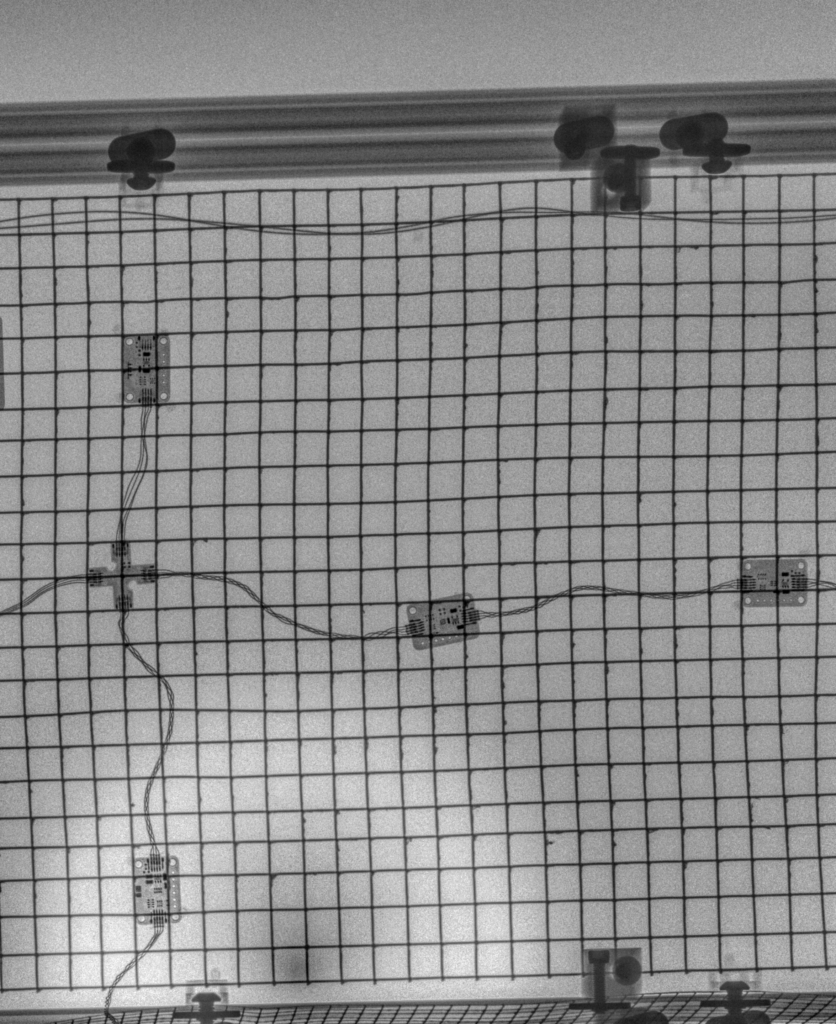
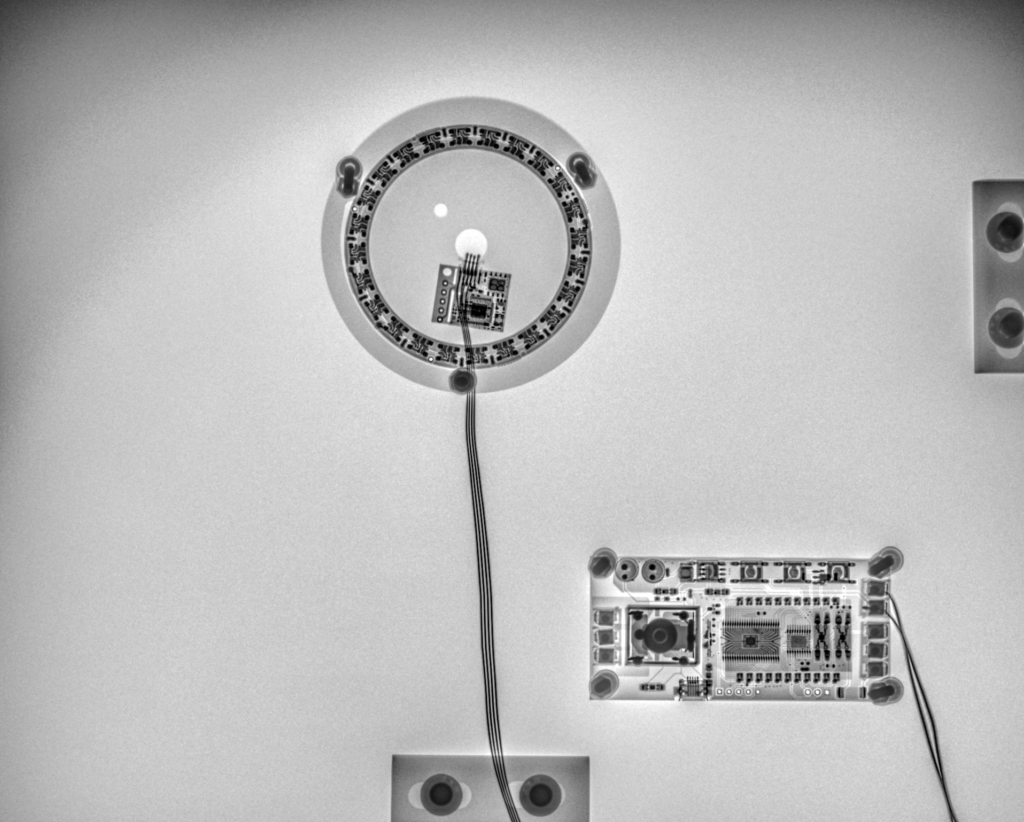
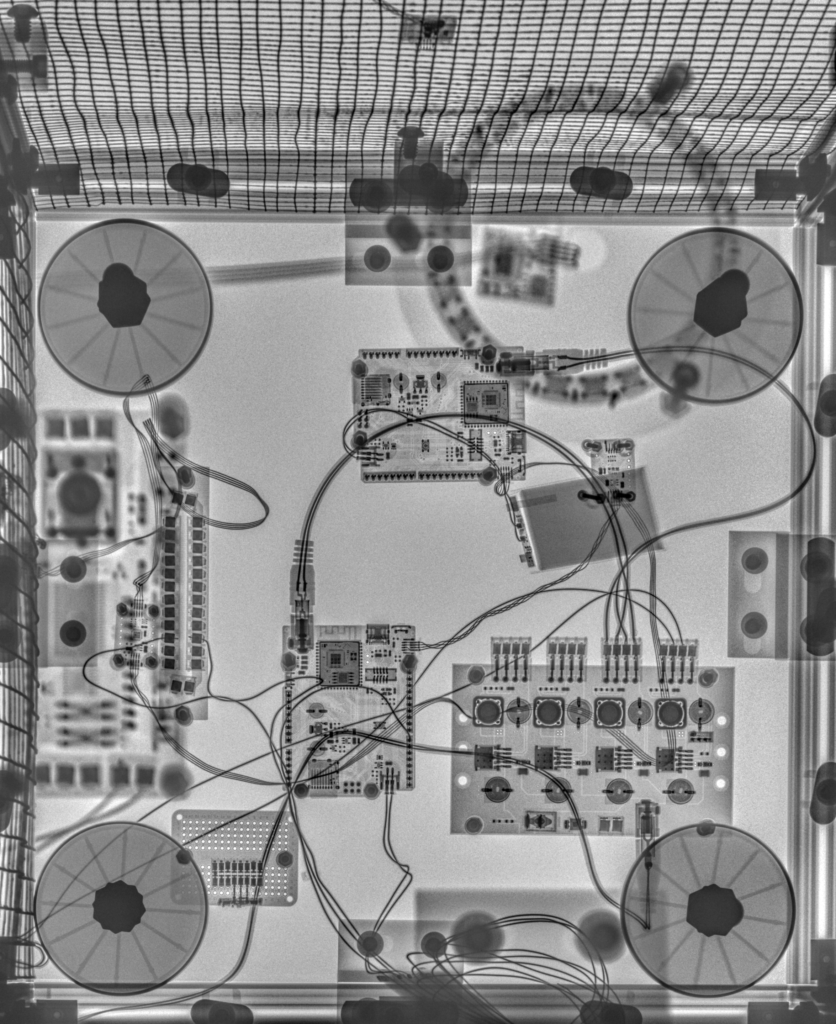
Real devices don’t announce internal components; they hint at them. “The Box” v.2™ teaches trainees how to listen to those hints, interpret them correctly, and choose access paths that preserve options instead of committing too early.
Why “The Box”v.2™ Works
Precision Training Without Complexity
- Scalable from novice to expert levels
- Immediate, objective feedback on technique and decision-making
- Venue-agnostic design adapts to any location
- Real-time instructor control without complicated setup or teardown
Realistic, Repeatable Scenarios
- Frame stability ensures consistent training conditions
- Quickly reconfigurable and replaceable barrier materials enable scenario variation
- Sensors detect real-world mistakes before they matter
- Configurable baselines accommodate different threat profiles
Measurable Performance
- Complete event logging for accountability
- Session histories support longitudinal skill development
- Objective after-action review replaces subjective assessment
- Defensible training records
Long-Term Value
- Modular design minimizes replacement costs
- Field-serviceable construction maintains consistent performance
- Configurable sensor suite grows with training needs
- Single platform supports tiered training progression
“The Box” v.2™ – A System for Training
“The Box” v.2™ is more than training equipment. It’s a training instrument…a system that transforms subjective assessment into measurable performance, hidden mistakes into visible events, and procedural rote into tactical reasoning.
Whether basic competency or advanced diagnostics, “The Box” v.2™ delivers real behavior, real consequences, and real data.